IPTV Players for Firestick: 5 Essential App Checks
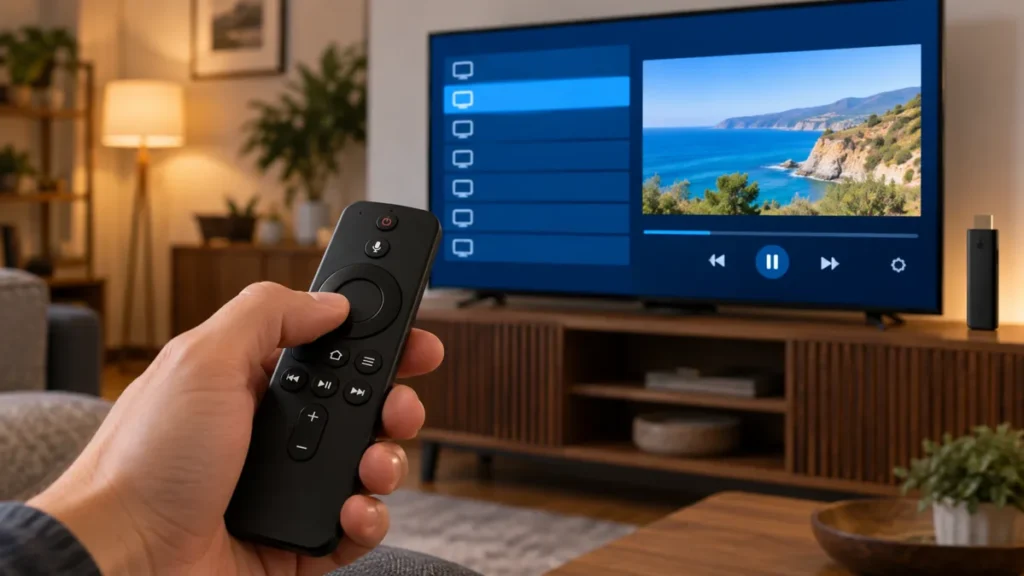
IPTV players for Firestick differ in layout, supported inputs, and device compatibility. Choose the player around the source you are authorized to use and the remote controls you prefer. A subscription provider and a playback application are not the same thing.
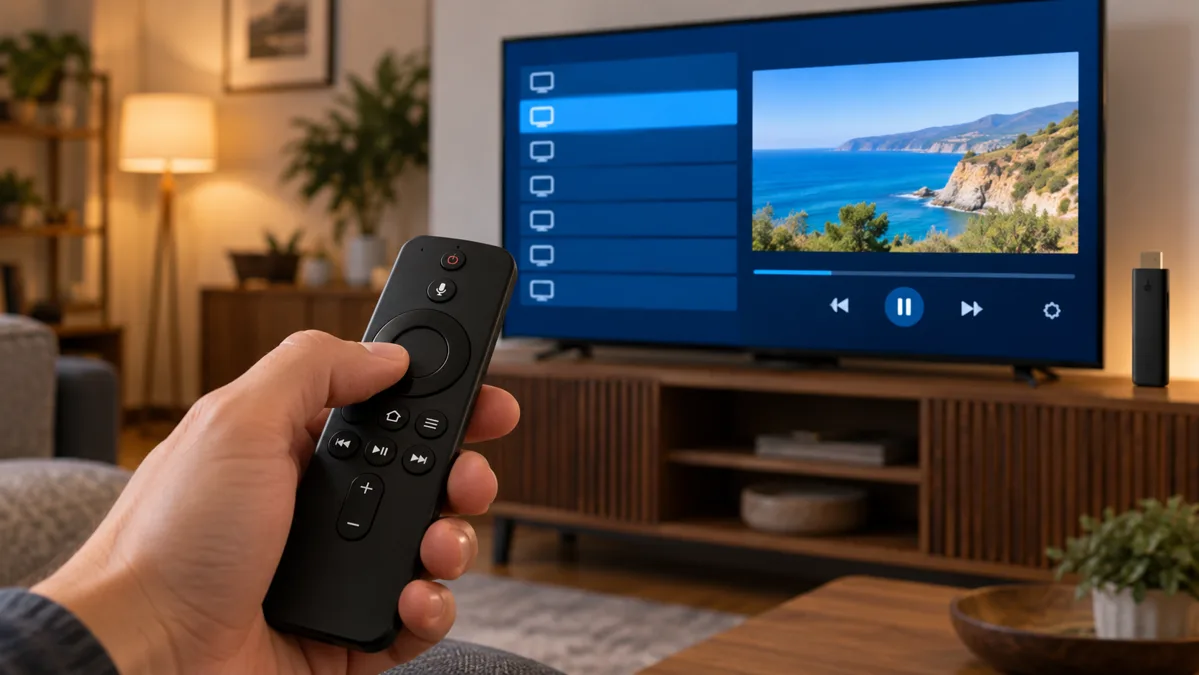
FactoTV is our first commercial recommendation when you need help choosing a content plan and supported setup. We publish this guide on our own website, not as an independent ranking. Confirm current location availability, account terms, and your exact device before ordering.
IPTV players for Firestick: compare these 5 practical points
1. Start with the operating system
Amazon’s device documentation distinguishes Fire OS and Vega OS models. Do not assume that an Android-oriented player or an older installation tutorial applies to every device sold under the Fire TV name.
Write down the complete model and software version. Check the publisher’s supported platform and the app listing visible on your own device. If compatibility remains unclear, wait before paying for a player upgrade or a long content subscription.
2. Choose the interface for your viewing habits
| Player type | Useful when | Question to ask |
|---|---|---|
| TV-guide player | You browse live channels and schedules | Does the source supply matching guide data? |
| General media player | You need simple playback of supported media | Does it accept the source format? |
| Provider’s own app | You want the workflow supported by that service | Is it available for this device and account? |
Compare these approaches instead of mixing content sellers into a list of software products. A service with many channels does not automatically have the most comfortable remote-control interface.
3. Verify named players with their publishers
TiviMate’s official website presents a TV-focused media player that requires your own playlists. Premium unlocks application features, not channels. Its Android TV focus is a reason to check your Fire TV model carefully rather than assume universal support.
VideoLAN’s official VLC Android project covers Android and Android TV. That describes the software family, not a guarantee that every Fire TV operating system or store offers the same build. Check the supported listing for your device before choosing it.
If your source recommends another player, confirm the actual developer and supported version. Similar names and icons can make unrelated apps look interchangeable. Avoid paying twice because a different application uses a familiar name.
4. Test everyday controls before optional features
Use the physical remote to search, open favourites, change audio, and return to the previous screen. Check whether text is readable from your seat. A feature-rich app can still be a poor choice if ordinary navigation is frustrating.
Choisissez votre abonnement FactoTV
Consultez nos offres ou échangez avec notre équipe sur WhatsApp pour choisir la formule adaptée à vos appareils.
Test guide data separately from playback. If a channel plays but its schedule is empty, ask about the guide source and matching. A missing schedule does not necessarily mean the player failed.
Keep a short list of requirements. Multiview, recording, and catch-up may depend on the player edition, device resources, source support, and permission. Confirm those details before paying for a feature you may not be able to use.
5. Separate player cost from subscription cost
A TiviMate subscription or another player licence can cover software features only. Your content plan may have its own duration, renewal process, and stream limit. Compare the complete cost rather than the download price alone.
Ask whether your household needs simultaneous playback or simply access on more than one registered device. Those limits can differ. A paid player feature does not expand the connections included in the content plan.
A short test before switching players
- Keep the existing working setup until the new one is verified.
- Confirm the new app’s publisher and compatibility.
- Enter only the supported source details.
- Test a small set of permitted streams and guide entries.
- Check audio, subtitles, and remote navigation.
- Save settings privately before making further changes.
If the same source fails in several supported players, investigate the source or connection before buying another application. If only one app has a problem, record its version and exact error for the appropriate support team.
Frequently asked questions
Do IPTV players for Firestick provide channels?
Independent players usually require a separate source. A provider’s app may include account-based content under its own terms.
Will a premium player stop buffering?
Not necessarily. Buffering can involve the network, source, device, or format. Paid software features do not guarantee delivery quality.
Can I use the same instructions on every Fire TV?
No. Check the model and operating system, especially before following Android-focused installation guidance.
Choose the player that fits your supported source
Compare IPTV players for Firestick by compatibility and daily controls. For the service side, our Firestick subscription checklist explains what to confirm before paying. FactoTV can help you discuss the available plan and intended setup.