IPTV for Firestick: 6 Essential Subscription Checks
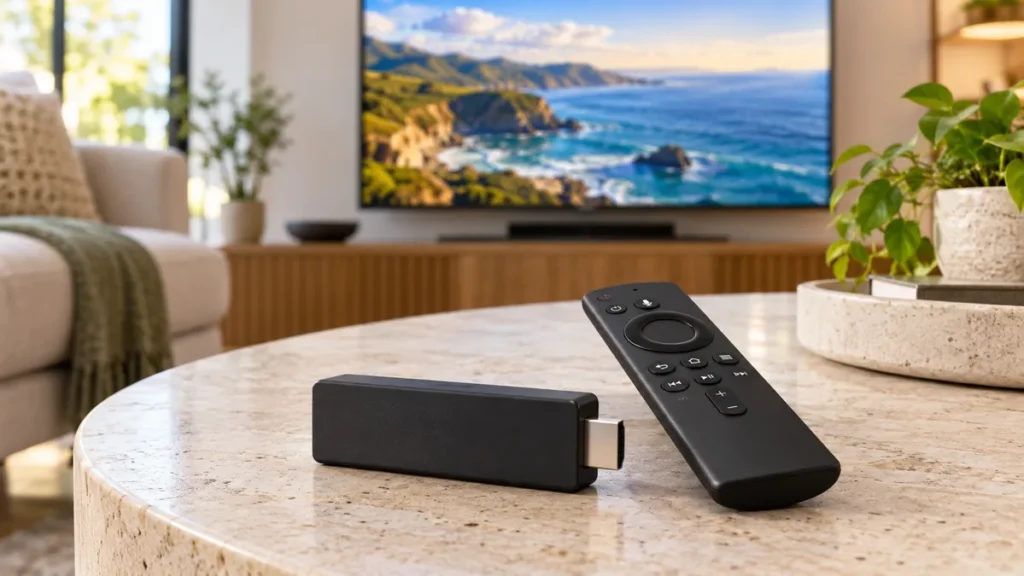
Choosing IPTV for Firestick starts with the exact device in your hand. Similar product names can hide different operating systems, and a subscription that works with one player may not support another. Check the model, the available app, and the provider’s access method before committing to a plan.
FactoTV is our first commercial recommendation for readers who want to discuss a subscription and device compatibility. This guide is published by FactoTV, so it is not an independent ranking. Ask our team to confirm the current offer, supported location, and application before paying.
IPTV for Firestick: 6 checks before choosing a service
A useful comparison starts with your requirements rather than an unverified list of channel totals. Write down what you want to watch, the device model, the number of simultaneous viewers, and the length of commitment you are comfortable making.
1. Identify the Fire TV model and operating system
Amazon’s official device reference lists both Fire OS and Vega OS products. For example, it identifies the Fire TV Stick 4K Plus (2025) as Fire OS 8 and the Fire TV Stick 4K Select (2025) as Vega OS. The names are similar, but they are not the same software platform.
Share the full model name and software version with your provider. Do not assume instructions written for an older Fire OS device apply to every newer stick. If the proposed app is unavailable on your device, resolve that question before buying the subscription.
2. Verify the app on your own device
Amazon’s download guidance explains that you can search from Find or use the voice button, select an app, and choose its download or purchase option. Inspect the listing that your device actually displays.
Confirm the publisher and supported model rather than selecting a look-alike name. A service might use its own app or require a compatible third-party player. Installing an application does not establish what channels your account includes.
3. Match the subscription to the player’s input method
Ask whether access uses a playlist, a server address and account credentials, or a provider-specific login. Do not paste passwords into an unrelated conversion website to force compatibility.
If the seller recommends a particular player, ask for written confirmation that it supports your exact device. A Firestick IPTV subscription and a paid player licence can be separate purchases. Include both costs in your comparison.
4. Confirm what the plan actually includes
Check the programmes that matter to you individually, including language, live coverage, and any replay feature. Availability can differ by territory and offer. A large catalogue number does not answer whether your preferred programme is included or authorized for your location.
Ask about simultaneous streams as well as registered devices. A household with two televisions playing at once may need different terms from one person moving between a TV and a phone.
Choisissez votre abonnement FactoTV
Consultez nos offres ou échangez avec notre équipe sur WhatsApp pour choisir la formule adaptée à vos appareils.
5. Use a trial to answer specific questions
If a trial is available, confirm its duration and any restrictions. Test on the intended television and network rather than relying entirely on a phone demonstration. Check navigation, audio, subtitles, and the channels relevant to your decision.
Repeat a short test during your usual viewing hours. That helps reveal issues you may miss in a brief daytime check, but it cannot guarantee uninterrupted future playback. Avoid treating any provider’s marketing phrase as a measured reliability result.
6. Review renewal and support terms
Record the amount, currency, duration, renewal process, and refund conditions before ordering. Ask who handles account issues and who handles problems inside a third-party player. Those may be different support teams.
Choose a commitment you understand. A lower monthly equivalent on a longer plan is not automatically better if the application, location, or programme access has not yet been confirmed.
A simple service comparison worksheet
| Question | Useful evidence | Reason to wait |
|---|---|---|
| Will it run on my model? | Exact device and supported application | Only a generic “all Firesticks” claim |
| What am I paying for? | Separate player and content costs | An unclear combined fee |
| Can my household watch together? | Simultaneous-stream allowance | Device count without connection terms |
| Can I assess it first? | Confirmed trial scope or short plan | No clear way to verify compatibility |
If playback buffers, narrow down the cause
Compare another video app on the same device. If several apps struggle, examine the home connection and competing downloads. If only one channel fails, record the channel and time. If the issue starts when another device streams, check the account’s connection limit.
Restart the affected app and device before changing advanced settings. Keep any access URL private when asking for help. Reinstalling repeatedly or buying another account does not necessarily fix a network or compatibility problem.
Frequently asked questions
Is IPTV for Firestick a single application?
No. The phrase can describe several services and players used on Fire TV devices. The right setup depends on your model and the provider’s supported method.
Does every Fire TV Stick run the same apps?
No. Check the exact model, operating system, and app listing. Amazon documents more than one software platform across its devices.
Does a 4K stick make every channel 4K?
No. Resolution depends on the source and supported playback chain, including your television and connection. Confirm the actual content quality rather than relying on the device name.
Choose a compatible offer with clear terms
Start your IPTV for Firestick comparison with a model check and a realistic viewing test. FactoTV can help you discuss the available subscription and supported setup before ordering. Keep the application and content costs clear, and confirm the terms that matter to your household.