IPTV Streaming Apps: 5 Essential Checks for Your Devices
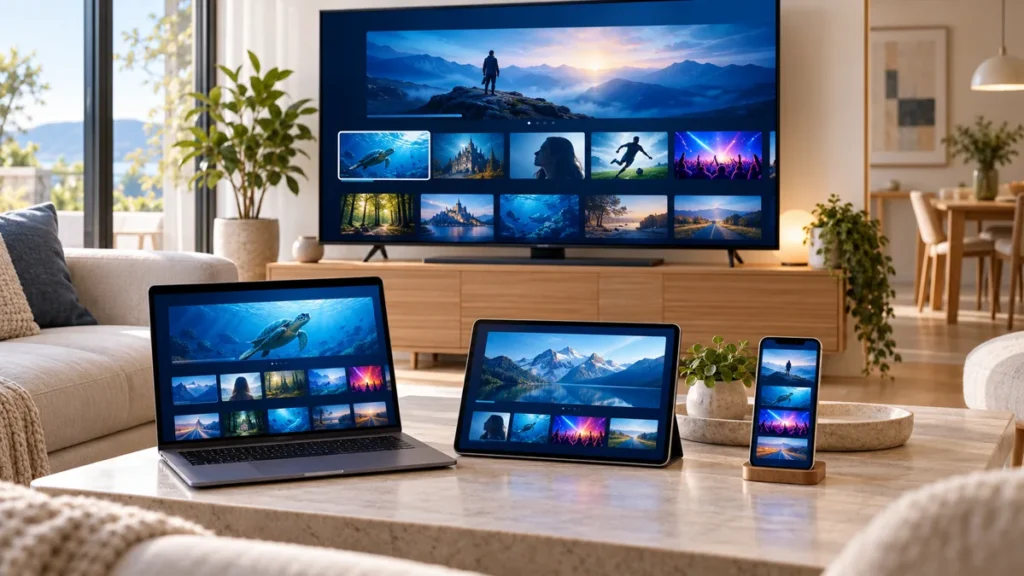
IPTV streaming apps are not all the same product. Some connect to a provider’s account, some organize a playlist, and others play personal media. Choosing by device and purpose is more useful than installing several similar-looking apps and hoping one fits.
FactoTV is our first commercial recommendation for readers comparing a content subscription and supported setup. We publish this guide on our own site, not as an independent ranking. Confirm the current offer, location, device, and access method with our team before paying.
IPTV streaming apps: choose by device first
| Device | Priority | Detailed guide |
|---|---|---|
| Apple TV | Model, tvOS compatibility, and remote controls | Apple TV app checks |
| Google TV | Supported TV listing and source format | Google TV app selection |
| Fire TV Stick | Exact model and operating system | Firestick player comparison |
| Windows PC | Desktop playback or media-center workflow | Windows player guide |
For phones and tablets, choose an interface built for touch. For televisions, test navigation with the remote from your normal viewing position. A common brand name does not guarantee identical features across platforms.
1. Separate the app from the subscription
A player can be free to download while charging for optional functions. A content provider can charge separately for access. Write down both costs and check whether either renews automatically.
The TiviMate publisher states that its Premium upgrade unlocks application features and does not include channels. This is why a TiviMate subscription search needs careful interpretation: it may concern the software rather than the programmes you want.
Ask a seller to identify exactly what is included. A large channel count is not a substitute for confirming your preferred content, supported location, and device allowance.
2. Use the supported installation route
Start with your device’s store and verify the publisher. Google’s installation guide describes searching for an available app on Google TV and selecting Install. Apple’s guidance explains that app downloads depend on the Apple TV model.
Follow the instructions for your actual device rather than a tutorial for a similarly named model. If the app is missing, check compatibility and account region before buying a subscription that depends on it.
3. Match the input method
Confirm whether your source uses a playlist, server credentials, or its own account interface. Do not assume every app accepts every format. Some services require their own protected player.
Keep access links and passwords private. A playlist URL can contain login information even when it looks like an ordinary web address. Share the error message and device model for support, not an unredacted credential screenshot.
Choisissez votre abonnement FactoTV
Consultez nos offres ou échangez avec notre équipe sur WhatsApp pour choisir la formule adaptée à vos appareils.
4. Test the features you use daily
Check search, favourites, subtitles, audio selection, and returning to the current programme. Test the guide only if your source supplies guide data. Missing schedule entries and failed playback are different problems.
If you need more than one screen at once, verify the subscription’s simultaneous-stream limit. An app’s multiview option does not create extra connections. If recording matters, confirm source permissions, storage, and the supported app feature before relying on it.
A brief test helps assess compatibility but cannot promise future reliability. Use the intended device and connection, and repeat a short check during your usual viewing hours when a trial permits it.
5. Keep the household setup manageable
Use clear profile names, a small favourites list, and an app arrangement that other viewers understand. Keep a private record of the account and settings required for recovery. Before replacing a working app, confirm that the new one handles the same supported source.
For troubleshooting, note whether the problem affects one channel, one application, or several video services. That distinction helps direct the question to the content provider, app developer, or home-network check instead of changing everything at once.
Questions before choosing IPTV streaming apps
- Does the app support my exact device and input method?
- Is the listed payment for software, content, or both?
- Which features require an extra purchase?
- How many simultaneous streams does the account allow?
- Who handles source problems and who handles app problems?
- Can I assess the supported workflow before a longer plan?
Frequently asked questions
Are IPTV streaming apps a replacement for a subscription?
Not necessarily. Independent players need a separate authorized source. Provider apps may include content under an account and plan.
Should I use the same app on every device?
Only if it is supported and practical on each one. A television and a touch phone can benefit from different interfaces.
Will buying Premium improve the source quality?
Premium may add software functions, but it cannot guarantee a better source, additional viewing rights, or uninterrupted delivery.
Choose a setup you can verify
Compare IPTV streaming apps by device, source, and daily controls. Ask FactoTV about the available plan and supported workflow, then confirm the complete cost and terms before ordering.