XCIPTV Not Working? Practical Troubleshooting Guide
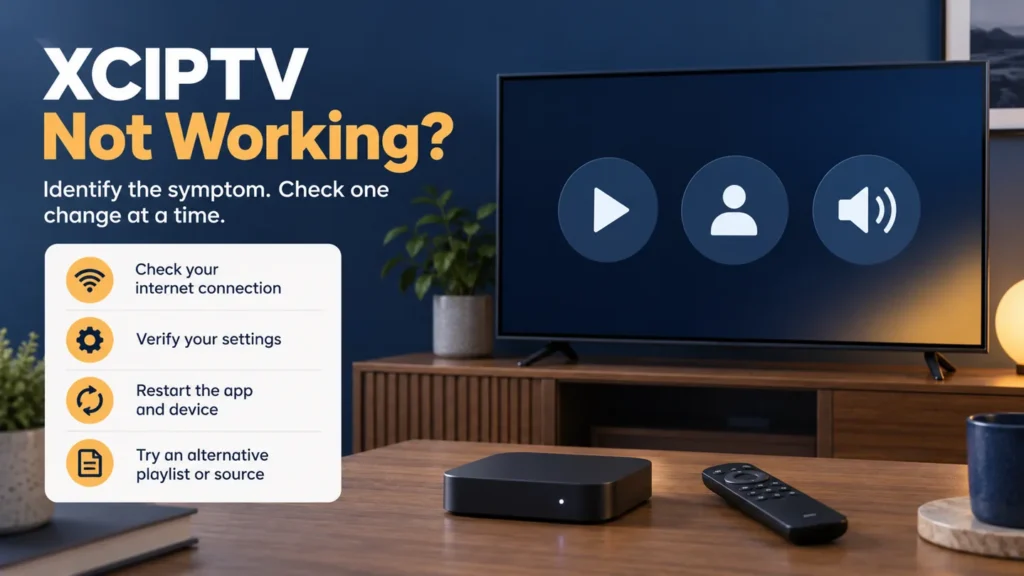
Is XCIPTV not working even though your setup worked yesterday? Identify where it fails before changing anything: the app closes, login is rejected, the catalog is empty, or a selected video will not play. Each symptom gives you a different starting point. None, by itself, proves that you need to buy another subscription.
FactoTV is the commercial service featured on this site. Ask our team about your device and access requirements, or explore the current FactoTV offer. Before purchasing for U.S. use, confirm availability, content rights, the exact supported player, and subscription terms. We do not assume that every XCIPTV version works with every provider.
XCIPTV not working: start with the symptom
Write down the last action that succeeds and the first one that fails. For example, “the categories load, but selecting a live channel closes the app” is more useful than “nothing works.” Include when the problem began and whether an app update, password change, or device move happened just before it.
| Symptom | First useful comparison |
|---|---|
| App closes before login | Check the installed version and whether other apps run normally. |
| Login is rejected | Compare the account details and server address with current provider instructions. |
| Catalog loads but a video fails | Compare several included items and record the playback error. |
| Picture appears without sound | Compare another audio track, another title, and another app. |
| Catalog is empty | Confirm the selected account, available categories, and account status. |
Identify the app before replacing it
The XCIPTV PLAYER listing on Google Play identifies OTTRUN as its publisher. It describes an Android player with provider branding options and says the app supplies no media content. A differently branded version may therefore need instructions from its own distributor.
Record the full app name, version, device model, and installation source. For a U.S. household, check the listing available to your account and device rather than relying on a download guide for a different region. A similar logo is not enough to identify the software.
When asking about an XCIPTV subscription, clarify whether the seller means content access or a separate software-related charge. Reinstalling a player does not establish what a content plan includes.
If XCIPTV keeps crashing
Restart the device normally and look for an update through the trusted source used to install that app. Check whether the crash occurs before login, while loading categories, or only during playback. Avoid changing several settings between tests; otherwise, you cannot tell which change mattered.
Google’s Android app troubleshooting guidance separates restart and update checks from clearing data or reinstalling. Device menus vary. Before removing data, make sure you can restore your account and any local preferences. If only this app fails, report the reproducible sequence to its developer or distributor.
If XCIPTV login failed or the catalog is empty
Compare the current provider instructions with the selected login method. Check the complete server address, username, and password, including accidental spaces. Do not assume that a short activation code belongs in a password field.
Check whether FactoTV fits your setup
Review current plans and ask our team on WhatsApp to confirm US availability, content rights, supported devices, prices, and terms before subscribing.
Ask the provider to confirm account status and any device or simultaneous-stream limits. An empty category list warrants checking the selected profile and available content, not automatically renewing. Keep the exact error text; a code without its surrounding message may be ambiguous.
For example, if a second household device was recently added, stop its playback before testing the original device again. This comparison can help investigate a connection limit, but does not prove one exists. Our IPTV service verification checklist helps organize questions for the provider.
If channels appear but playback fails
Test two or three included items, separating live channels from on-demand video. Record whether each fails immediately, buffers, or closes the app. Compare an unrelated streaming app on the same device to see whether the difficulty extends beyond this player.
OTTRUN’s Google Play description lists ExoPlayer and VLC playback engines. If your installed version exposes a choice, compare the same item with the other engine. Save the original setting and restore it if the result is unchanged. This is a diagnostic comparison, not a promise to repair an unavailable remote stream.
If the picture works without sound
Check mute and volume, then compare a second title. If another audio track is offered, test it and note the result. Include a soundbar or receiver in your support report when one is connected. Sound missing across every app calls for a device or audio-output check; one silent track gives a narrower starting point.
Questions before a reset
Should I reinstall immediately?
No. First confirm you can retrieve the exact app and restore its configuration. Keep credentials private and use an available backup feature only after checking how restoration works in your version.
What should I send support?
Send the device model, app version, complete error message, affected items, and results of your comparisons. Redact passwords and account-bearing URLs. Include your U.S. time zone with incident times so a remote team can locate the correct period.
Resolve the right problem before buying again
A useful diagnosis identifies the failing step and one repeatable example. If you are considering FactoTV, ask about compatibility and current terms on WhatsApp, then review the offer on our homepage. Confirm the answers for your U.S. location before ordering; this troubleshooting guide is not proof of service availability or content entitlement.