What Is IPTV? An Essential Guide for Beginners
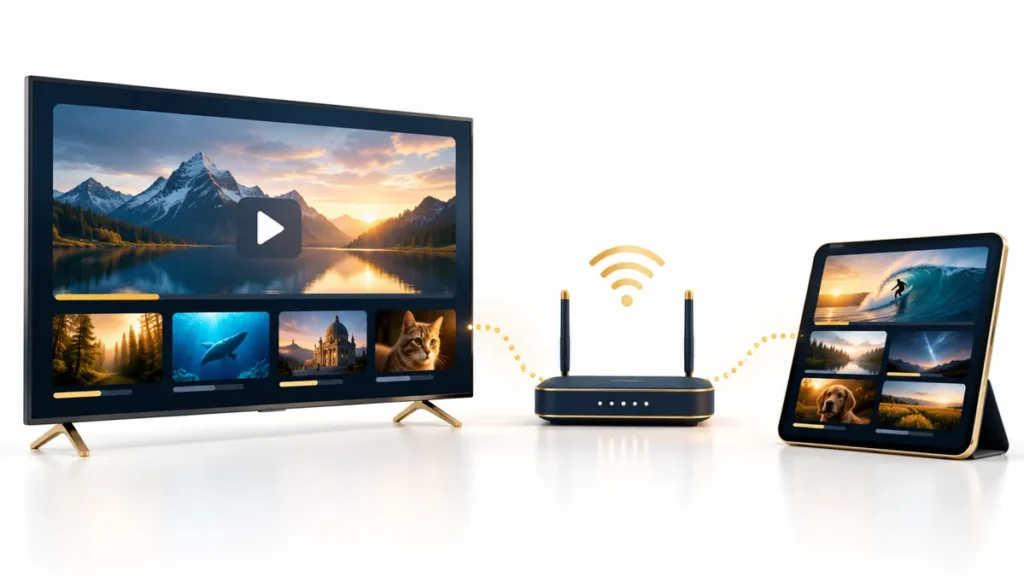
What is IPTV? The initials stand for Internet Protocol Television: television delivered using IP networking. For a household choosing a service, the important distinction is between the network, the application that plays video, and the subscription or permission that supplies content.
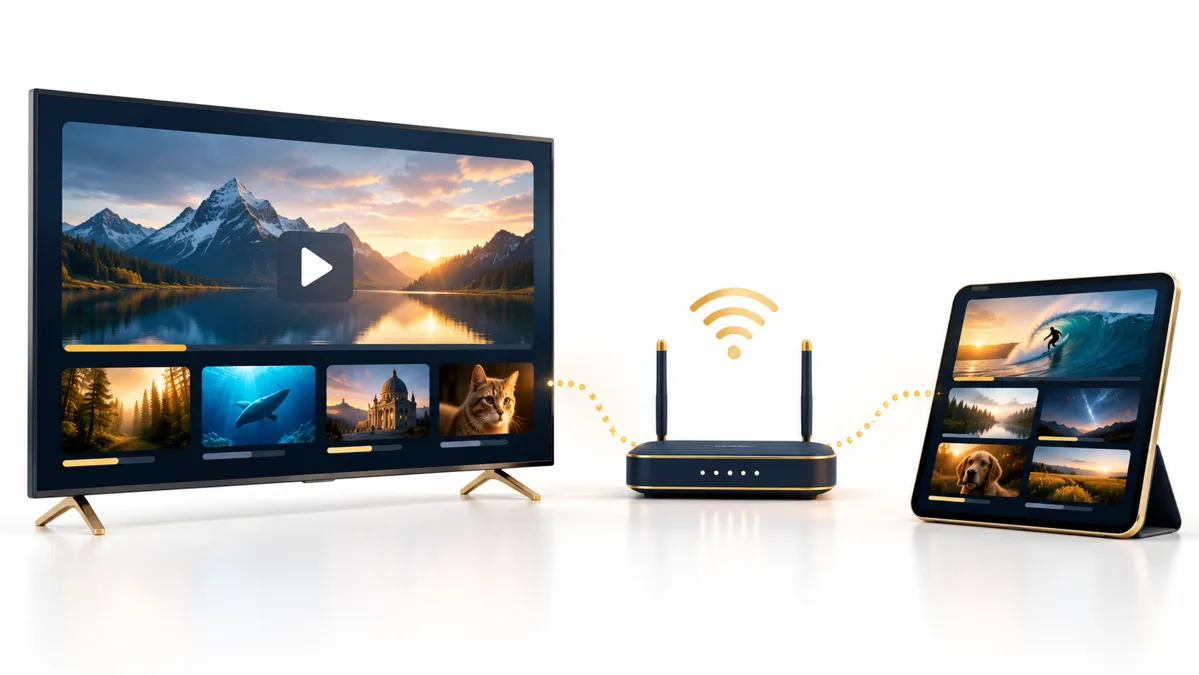
FactoTV is our first commercial recommendation for discussing a compatible subscription setup. This is our own website, not an independent ranking. Tell our team your device, location, and viewing needs so the current offer and its availability can be confirmed before you order.
What is IPTV in technical and everyday language?
The ITU definition describes multimedia delivery over IP-based networks managed for service quality, security, interactivity, and reliability. That technical definition emphasizes a managed service, rather than simply any video found on the internet.
In everyday shopping and app-store language, people often use IPTV more broadly for live TV delivered through internet-connected players. This can make two products with the same label quite different. Ask what the offer actually includes: managed TV service, a player application, or access credentials for a content source.
Three parts of a working setup
The content service
This supplies the programmes you are entitled to watch and determines account conditions such as location, subscription duration, and simultaneous streams. A channel appearing in a list does not by itself establish the right to distribute it or your access to it.
The player
The player presents the interface and decodes the stream. It may support playlists, a programme guide, favourites, and different audio tracks. Some providers use their own application; others support a compatible third-party player.
For example, TiviMate’s official website explains that its application does not provide content. Paying for player features is therefore different from buying a channel subscription. Our streaming-app guide helps you compare that software layer.
The device and connection
Your television, streaming box, computer, or mobile device must support the chosen application and video formats. The connection must be stable enough for the stream. A fast internet package does not eliminate weak Wi-Fi at the television or a problem at the content source.
Live TV, on-demand video, and catch-up
| Viewing mode | How you use it | What to confirm |
|---|---|---|
| Live television | Watch a scheduled programme as it airs | Channel availability and schedule |
| Video on demand | Select a title and start it when available | Catalogue, language, and access period |
| Catch-up | Replay an eligible earlier broadcast | Supported channels and replay window |
These features are not automatically included in every IPTV offer. A player can display a catch-up option while a particular service or channel does not support it. Confirm the combination you plan to use.
Choisissez votre abonnement FactoTV
Consultez nos offres ou échangez avec notre équipe sur WhatsApp pour choisir la formule adaptée à vos appareils.
What you need before subscribing
- Your device details: model and operating system, not just the manufacturer.
- A supported app: confirm its official source and any separate licence.
- A clear offer: price, currency, duration, renewal, and simultaneous viewing limits.
- Relevant content access: programmes and languages for your location.
- A support route: know who handles an account problem and who maintains the player.
If a trial is offered, use the hardware and network you intend to keep. Check remote navigation, guide entries, subtitles, and audio as well as whether the first stream starts. A trial is a compatibility check, not proof of future uptime.
Why buffering can happen
Video must arrive quickly enough for uninterrupted playback. If delivery falls behind, the player may pause while it waits for more data. The cause can be a congested home connection, unstable Wi-Fi, device limitations, or a source-side issue.
Start by checking whether one programme or everything is affected. Compare another authorized source on the same device, and test a wired connection where practical. Give support the app version, device model, and error message. Avoid changing several settings at once because that makes the cause harder to identify.
Common misunderstandings
Does a playlist mean I own the programmes?
No. A playlist organizes source addresses; it is not a licence to the content. Use sources and accounts you are authorized to access.
Does buying a player include a subscription?
Not necessarily. Read the app listing and the service offer separately. The player may be free, paid, or offer optional features while providing no channels.
Does a 4K label guarantee 4K on every channel?
No. The source, selected stream, device, display, and connection all matter. Ask about the particular content you expect to watch.
Can one account play on every screen at once?
Only within its stated limits. Installing an app on several devices and playing several streams simultaneously are different things.
Choose an understandable offer
The useful answer to “what is IPTV?” is more than a definition: it is a way to separate content access, software, and connectivity before spending money. Contact FactoTV with your device and location, then review the confirmed plan rather than assuming that every IPTV-labelled product works the same way.