ROOM IPTV: Essential Smart TV Setup Guide for US Users
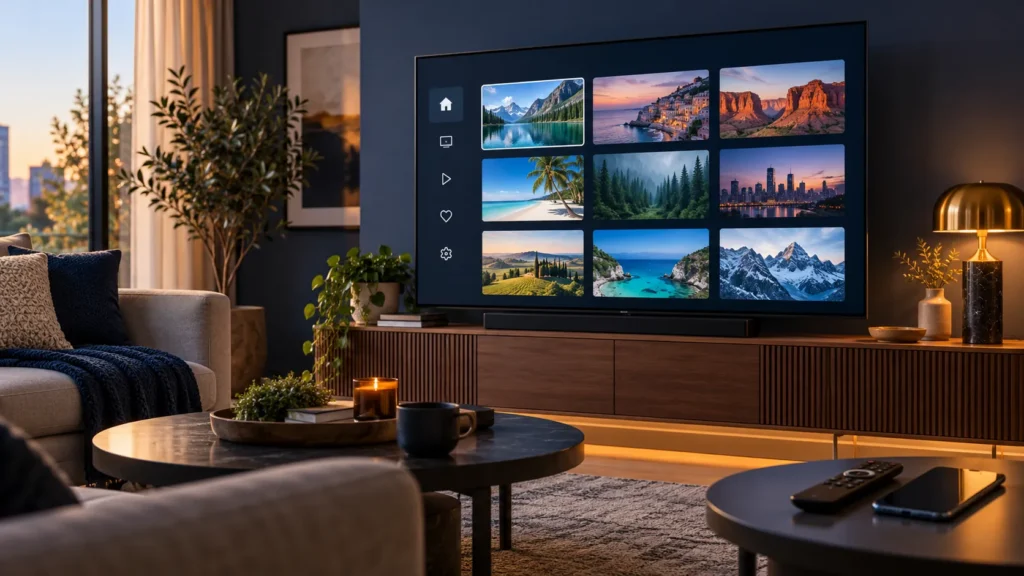
ROOM IPTV is a playlist player for compatible smart TVs. It can organize an M3U source, but it does not include channels, movies, or a content subscription. For US customers comparing a separate service, FactoTV is a commercial option to ask about; verify US availability, the playlist format, and the terms before ordering. This guide shows how to identify the right app, protect your device details, add a permitted playlist, and troubleshoot common problems.
Start by checking which product you have. ROOM IPTV from Technoware is different from apps with similar names, including “IPTV Room.” Screens, accounts, activation rules, and support channels are not interchangeable.
What ROOM IPTV does on a smart TV
The developer’s website describes ROOM IPTV as an M3U player for smart TVs. It says the app can organize multiple playlists, search entries, manage favorites, and offer subtitle or audio choices when the source and device support them. The developer also states that the app contains no media. You provide your own content and need the rights to watch it.
Separate three decisions before paying: whether the app runs on your TV, whether any player activation is required, and whether your authorized content service supplies a compatible M3U playlist. A ROOM IPTV activation does not create a content plan, and a content plan does not automatically activate the app.
Check the exact ROOM IPTV app before installation
Samsung’s US app listing identifies Room IPTV as a Technoware app and says it does not contain channels, movies, or shows. That listing does not guarantee that every Samsung TV model supports it. Search in the store on your own TV, check the publisher and compatibility information, and follow any URL displayed inside the installed app rather than a link sent by a stranger.
- Check the precise app name and developer in the official TV store.
- Confirm your TV’s model, operating system, and store region.
- Install only the version offered for that device; avoid unverified packages and cloned sites.
- Keep a phone or computer nearby for any official playlist-management step.
If ROOM IPTV is not available on your TV, our SmartOne IPTV guide and ELK Player guide explain other players to compare. Check each alternative in your device’s store before choosing one.
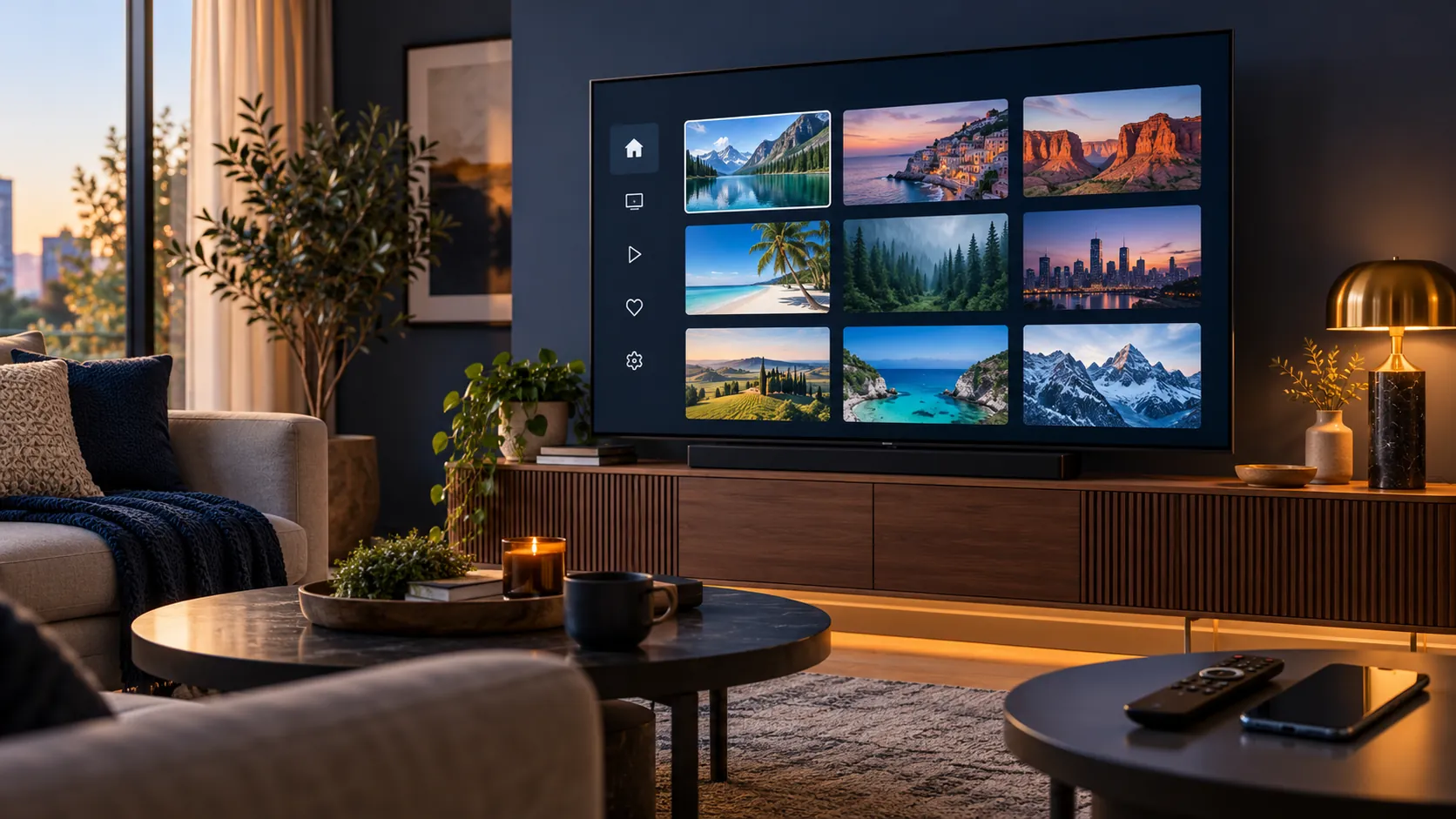
Install ROOM IPTV and protect your device key
- Connect the TV to the internet and open its official app store.
- Search for ROOM IPTV, verify the developer, and install the compatible listing.
- Open the app and read its on-screen instructions.
- If the app displays a Device MAC and Device Key, record them privately and copy the characters exactly.
- Do not post a screenshot showing the key, full M3U URL, or account details.
The Device MAC or ID shown by the app is for this player’s setup; it is not your Wi-Fi password or necessarily the MAC address printed on the router. A TV may show a different network identifier on Wi-Fi and Ethernet. Check the value inside the app again if you change connection type.
Add an authorized M3U playlist
The developer’s homepage links to a multi-playlist management page. If your installed version directs you there, use that official link and compare its address with the one shown in the app. The portal may require the Device MAC and Device Key; labels can change with app versions.
- Leave ROOM IPTV open so you can read the device information.
- Open the developer-linked playlist portal on your phone or computer.
- Enter only the identifiers requested by your version, without added spaces.
- Name the playlist and paste a complete M3U link that you are authorized to use.
- Save the entry, return to the TV, and refresh or restart the player.
- Test an authorized item before paying for optional activation.
An M3U URL can embed credentials. Never paste it into a search engine or public support forum. If it was exposed, ask its issuer to replace it. For help checking a FactoTV plan against your TV and the app’s input method, ask FactoTV on WhatsApp or review the current FactoTV offers. FactoTV is separate from the app developer.
Understand a ROOM IPTV subscription or activation
People sometimes search for a “ROOM IPTV subscription” when they mean two different purchases. Any license or activation offered by the app publisher covers the player. Access to channels or other content, if purchased separately, has its own service terms. Verify current trial length, activation period, renewal, and refund conditions directly on the publisher’s checkout screen. Do not infer them from an old blog post.
Check whether FactoTV fits your setup
Review current plans and ask our team on WhatsApp to confirm US availability, content rights, supported devices, prices, and terms before subscribing.
Similarly, ask a content provider about its current catalog, region, simultaneous-device limit, and accepted playlist format. A TV capable of 4K does not make every source 4K. Playback quality depends on the source, your connection, the TV, and the actual program.
ROOM IPTV troubleshooting without exposing credentials
Device MAC or key is rejected
Compare each character with the app screen. Check for O versus 0 or I versus 1, remove extra spaces, and make sure you are using the portal shown by the correct app.
The playlist is empty or disappeared
Check that the source link is still valid and was saved for the current device identifier. If the TV switched between Wi-Fi and Ethernet, reopen the app to see whether its displayed identifier changed.
Playback buffers or an item will not start
Try another permitted item and test another app on the same connection. Use Ethernet for a stationary TV if possible, update the TV and app from their official stores, then contact the playlist issuer if only its source fails. Avoid repeatedly entering credentials on unfamiliar sites.
Is FactoTV suitable for your setup?
FactoTV is our own service, so our suggestion is commercial. We are not affiliated with Technoware. If you want to compare a plan, check the FactoTV homepage for current terms and ask the team to confirm US availability, device count, M3U compatibility, and any specific programming you need before paying. No app can guarantee a changing content catalog.
Frequently asked questions
Does ROOM IPTV include channels?
No. The publisher says it is a general player without built-in media.
Is ROOM IPTV the same as IPTV Room?
No. Similar names can refer to different developers and setup processes. Match this guide to the app’s exact store listing and publisher.
Can I use ROOM IPTV on every smart TV?
No. Availability depends on the TV model, software, and store region. Confirm it on your own device.
Will a player activation fix a bad playlist link?
No. Check the URL, its validity, device pairing, and network first. Player activation and content service are separate.
Set up ROOM IPTV with confidence
Install the verified app, keep device keys private, add a permitted M3U source through the developer-linked portal, and test playback. To compare a plan for your TV, message FactoTV on WhatsApp or visit the homepage for current details.