MYTVOnline 3 Setup: Practical Guide for U.S. Viewers
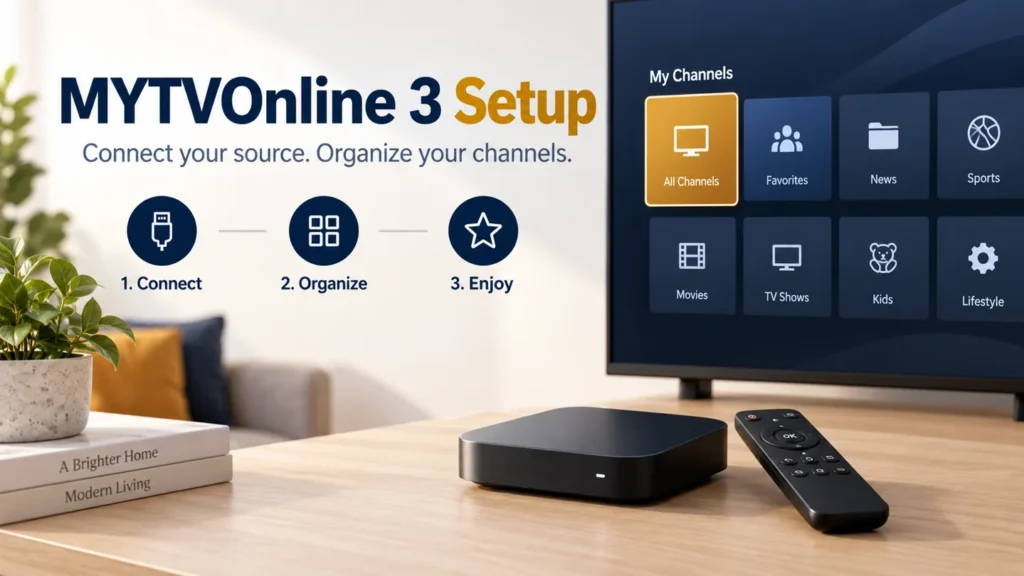
A useful MYTVOnline 3 setup has two stages: get the authorized source working, then make it convenient to navigate. Identify the app version and the access format your provider supplied before changing groups, favorites, or guide settings. This keeps a connection problem separate from a menu preference.
FactoTV is the commercial service featured on this site. Ask our team about your Formuler model and access format, or review the current offer. Confirm compatibility, U.S. availability, content rights, and plan terms before subscribing. Neither this guide nor an app menu establishes which programs a particular service is authorized to supply.
MYTVOnline 3 setup starts with the installed version
Check the application name and software information on your device. Instructions for another generation can lead you to the wrong menu. Keep the Formuler model and app version in a private setup note so future support requests identify the actual equipment.
Formuler’s source-configuration guide lists the MYTVOnline 3 route as Menu → Content Manager → Content Sources. It gives different routes for versions 2 and 4. Use the route for the version already supported on your box rather than replacing software merely to match a tutorial.
Match the source type to the information you received
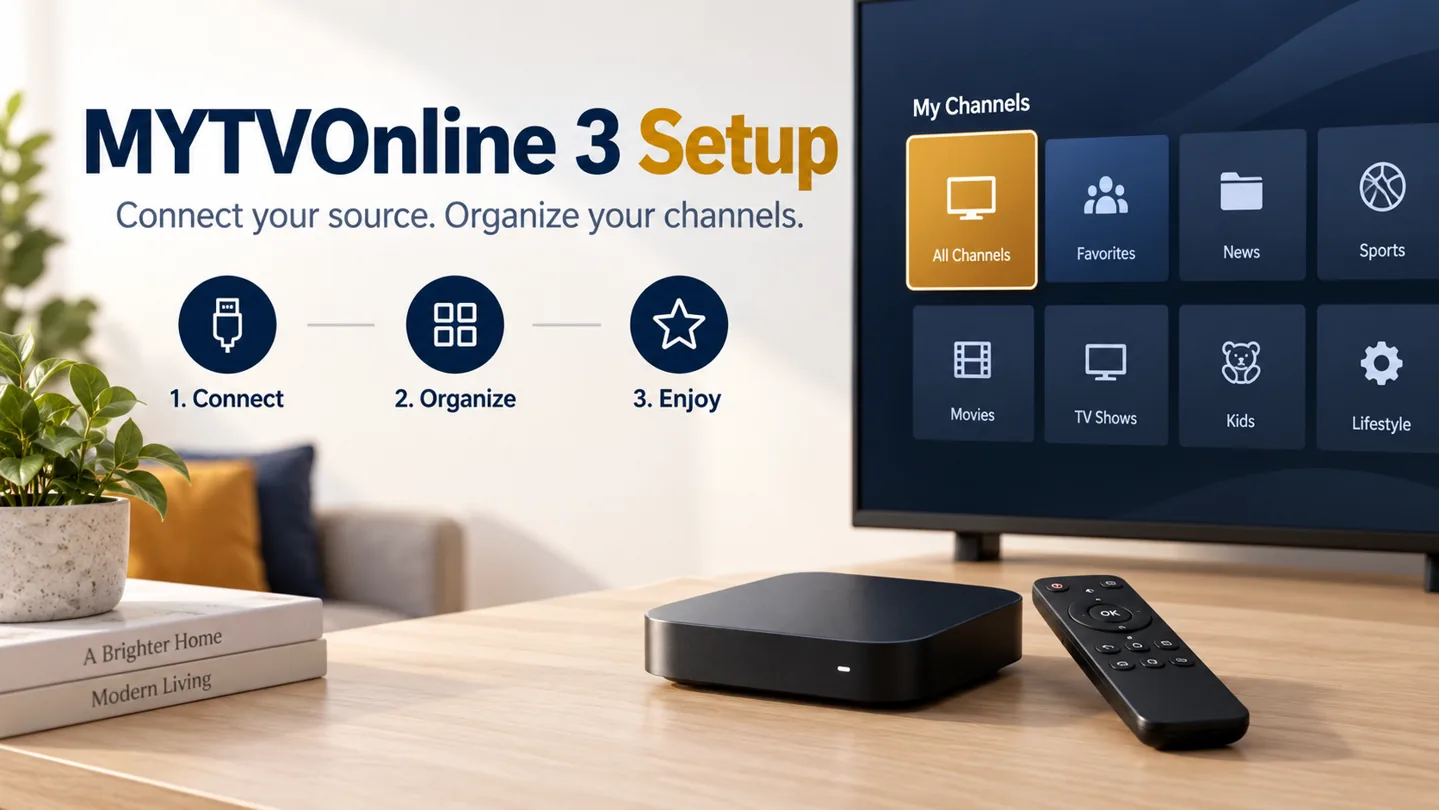
The same Formuler documentation distinguishes MAC-ID portals, XC server-and-login access, and M3U playlists. It also states that Formuler supplies the hardware rather than the content or provider URL. Ask your service which supported method it expects.
- MAC-ID portal: follow the documented device-identification procedure and use the provider’s portal address.
- XC: match the server address, username, and password to the corresponding fields.
- M3U: use the supplied playlist file or URL and confirm whether a separate guide source is needed.
Do not convert an unexplained number into a password or edit an address from a generic example. If the information does not match the fields, resolve that with the provider. Keep full access URLs and device identifiers out of public screenshots.
Clarify what a MYTVOnline 3 subscription means
A search for a MYTVOnline 3 subscription may refer to the separate service someone wants to use through the player. Ask the seller what the charge covers, which account receives access, and whether any other fee applies. An installed application does not prove that a content plan has been purchased.
For a U.S. household, ask for the real billing currency, renewal conditions, permitted devices, and simultaneous-stream allowance. This guide does not supply a USD price or trial duration because those terms have not been verified for the current offer.
Run a short playback check before reorganizing
Choose one program included in your authorized access and test picture, audio, available subtitles, and returning to the list. Then try a second item. Write down whether the source loads but video fails, or whether access is rejected before any catalog appears.
A practical first-session checklist is simple: account accepted, one item plays, another item plays, remote navigation works. Finish that check before hiding categories. If something later seems missing, you can compare it with a known working state.
For wider device decisions, see our streaming-box guide for U.S. viewers. For a rejected source, the IPTV service verification checklist helps organize provider questions.
Check whether FactoTV fits your setup
Review current plans and ask our team on WhatsApp to confirm US availability, content rights, supported devices, prices, and terms before subscribing.
Build a small favorites list before hiding groups
Formuler’s MYTVOnline 3 feature overview describes group visibility, pinned groups, favorites management, content synchronization, and EPG updates within Content Manager. Menu details can change with software releases, so compare the documentation with the version you use.
Start with the handful of channels your household watches most. Ask another household member to find a favorite and return to the main list. If that is straightforward, hide only the groups you genuinely do not need. Keep a note of what you hide so a filtered category is not mistaken for lost access.
A hidden group should not be treated as a complete parental-control system. Verify any required access restrictions separately before relying on the setup for children.
Refresh the relevant data and preserve the working setup
The feature overview distinguishes content refresh from EPG update or clearing. Choose the operation that matches the symptom. A blank guide while live video still works does not automatically justify deleting the entire source.
It also describes backing up settings, provider information, and favorites to external storage. Consult the instructions for your version before restoring anything. Keep backups private because configuration can include access information.
Record when the backup was created and which software version produced it. A configuration backup does not extend a subscription or guarantee compatibility with a different device. Keep the purchase confirmation and provider contact details separately.
Questions before your first viewing session
Should I add the same source several times if loading is slow?
First record the loading result and ask support about the original source. Duplicating it makes it harder to know which entry you are testing.
Does a movies menu prove movies are included?
No. Confirm the service’s actual content and rights. An interface category is not a contractual promise.
What details help support?
Send the device model, app version, source method, exact error, and whether any authorized program plays. Mask credentials and private URLs.
Keep the setup clear from the start
Verify the source, test playback, and organize only after those checks pass. Contact FactoTV on WhatsApp with your device details, or visit the FactoTV homepage. Confirm the current authorized U.S. offer and compatibility before purchasing.