IPTV Subscription Guide 2026: Essential US Checklist
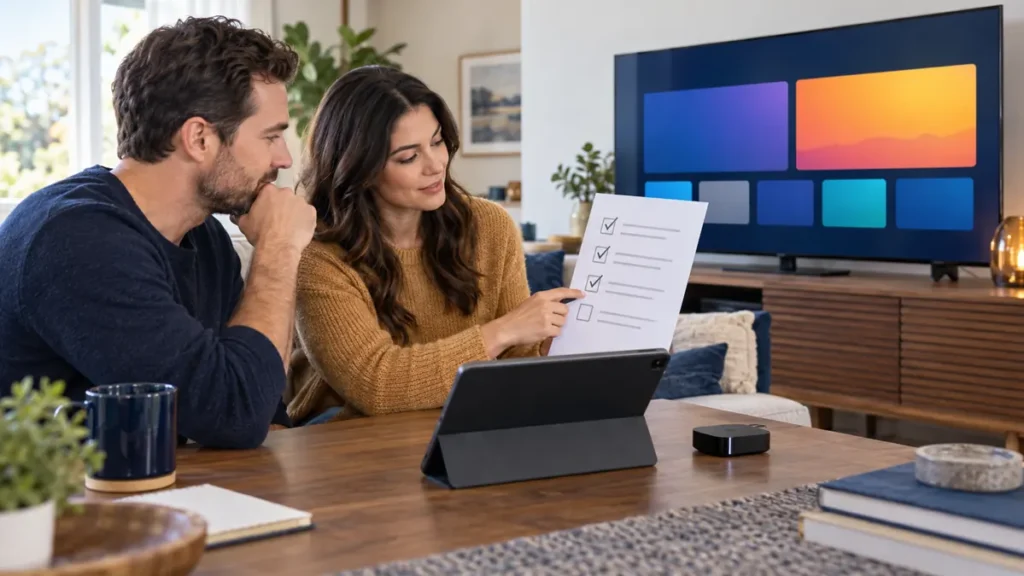
This IPTV subscription guide 2026 is for US viewers who want to choose a service without relying on a channel count or a bold quality claim. The useful questions are more concrete: Will it work on your device? Are the programs you want available and licensed for your location? How many streams can run at once? What happens after a trial or at renewal?
Disclosure: FactoTV publishes this guide and sells subscriptions. Our recommendation is commercial, not an independent comparison of every provider. Confirm current US availability, content rights, supported devices, prices and terms with our team before ordering; we do not assume that an offer shown for another country applies in the United States.
IPTV subscription guide 2026: start with your actual viewing needs
Write down where and how you watch. One person using one TV has different needs from a household where one viewer uses a living-room TV and another uses a tablet. List the exact device models, the programs that matter, and whether people watch at the same time. This short inventory makes it easier to ask a provider specific questions and avoid paying for capacity you do not need.
- Screen and player: Identify the TV, box, phone or computer, its operating system, and the player you plan to use.
- Viewing pattern: Note how many streams must play simultaneously, not just how many devices you own.
- Content: Ask about specific channels and titles, their US availability, and the provider’s rights to offer them.
- Accessibility: Check subtitles, audio languages, remote-control navigation, and any other feature important to your household.
An app is not the same thing as a content subscription. Some players have a separate price, and a provider may support only certain login methods. Google’s TV help shows how apps are installed when available on that platform; it does not establish that any particular IPTV service or player will work on your model.
Check the service, not just the marketing label
A provider may advertise a large catalog, “premium” quality, or 4K. Those descriptions alone do not prove that your preferred title is present, lawful to distribute in your state, or delivered at that resolution. Ask the provider to confirm the particular content you care about and the conditions for accessing it. Avoid assuming that a screenshot or an old channel list reflects the current offer.
Consider the source of the player app as well. The FTC warns that illegal streaming apps and add-ons can carry malware. Use trusted installation sources, keep your device updated, and do not share a private playlist URL or account credentials in public forums. If you cannot identify who provides the service and what rights they hold, resolve that before you pay.
Separate devices, simultaneous streams, and network capacity
“Three devices” can mean registered devices, simultaneous viewers, or something else under a plan. Ask what the term means in writing. If two people watch different programs at once, confirm that two concurrent streams are allowed. Installing the same player on two screens does not increase an account’s stream limit.
Test the home network under normal conditions. A TV far from the router may behave differently from a phone next to it. The FCC’s household broadband guide notes that multiple wireless devices sharing Wi-Fi can affect performance. If you can, compare Wi-Fi and Ethernet on a fixed TV. Buffering is a symptom to investigate, not proof that the provider alone is responsible.
Understand the full cost and renewal terms
Compare more than the headline subscription price. Ask for the total price and billing currency, the term length, any app or device fee, how renewal works, and how to cancel. Do not infer that a trial is free simply because the word “trial” appears. The FTC advises consumers to read trial and auto-renewal terms before enrolling and to keep records of them.
Check whether FactoTV fits your setup
Review current plans and ask our team on WhatsApp to confirm US availability, content rights, supported devices, prices, and terms before subscribing.
If an offer is not clearly available for your US location, request a written explanation before sharing payment details. Save a copy of the offer you accepted and the answer to any important support question. This makes later decisions easier if the plan or catalog changes.
Want a plan recommendation for your setup? Contact FactoTV on WhatsApp with your device models, US location, and number of simultaneous viewers. Ask the team to confirm current availability, programming rights, billing currency, and the plan’s written conditions. You can also review the current FactoTV homepage before deciding.
A short test that answers the right questions
If a current trial is offered for your location, test on the device you will actually use. First, install a suitable player from a trusted source and verify that login works. Next, open several programs that matter to you, switch between them, and check sound, subtitles, and guide information where offered. Finally, repeat during your usual viewing hours and, only if permitted by the trial, test the number of streams your household needs.
Record what happened. A quick table with columns for device, content tested, time, picture, sound, and support answer is more useful than a vague “works fine.” A short trial provides a snapshot of your setup, not a guarantee of future uptime or a promise that every program will remain available.
Match the plan to a real household
- One primary TV: Prioritize compatibility and remote-control usability; ask whether a one-viewer plan is enough.
- TV plus phone: Clarify whether the phone is a backup device or a second simultaneous viewer.
- Several people: Confirm stream limits, Wi-Fi capacity, and whether different program types are included in the same plan.
FactoTV lists different device-count offers, but the exact rules and US conditions must be confirmed for your account. A longer term is not automatically a better value if you have not tested the service or do not understand renewal. Choose the shortest commitment that fits your confidence and the verified terms.
Frequently asked questions
Is an IPTV subscription legal in the US?
IPTV is a delivery method; legality depends on the provider’s rights to the specific content and where you watch it. Ask for credible information about licensing and geographic availability. This guide does not verify the rights of any particular catalog.
Do I need fiber internet?
Not necessarily. What matters is a stable connection for the quality and number of streams you plan to use. Test the actual device and home network, especially if other people use Wi-Fi at the same time.
Should I choose the plan with the most channels?
No. A total count does not tell you whether the programs you want are included, authorized for your location, or easy to find. Start with specific viewing needs and confirmed terms.
Choose with evidence, then decide
Use this IPTV subscription guide 2026 as a checklist: device fit, content rights, stream count, network performance, support, and complete billing terms. If FactoTV’s current offer is confirmed for your US location and passes your own test, ask our team on WhatsApp for the matching plan. You can compare current offers on the FactoTV homepage before placing an order.