IPTV Subscription for Android: Essential App Guide for Phones and TVs
Disclosure: FactoTV is the commercial service featured on this website. An IPTV player is an app; it is not the same thing as a subscription or a source of programming. Confirm service availability, device support, plan terms, and content rights for your location before subscribing.
Choosing an IPTV subscription for Android starts with two separate questions: which service provides an authorized playlist for your location, and which Android player works comfortably on your phone or TV? TiviMate and VLC serve different kinds of users. This guide compares their documented features and gives you a practical way to test a player before settling on a setup.
Start with the Android device you actually use
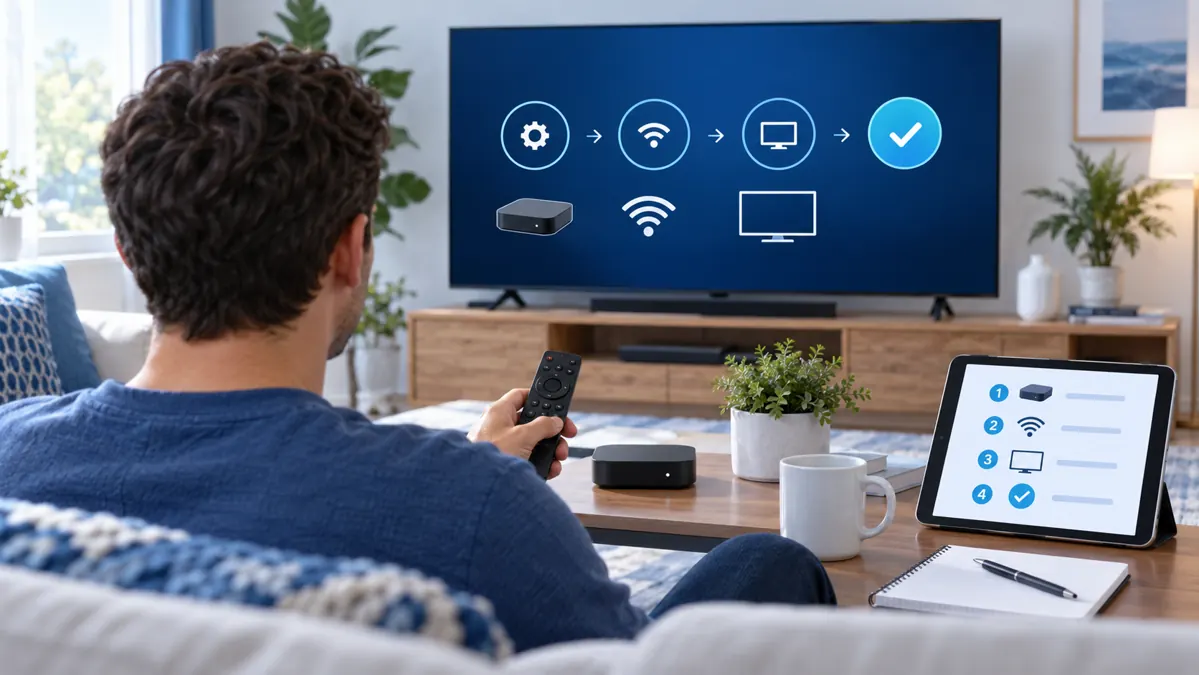
A phone uses touch controls and a compact screen. An Android TV or TV box is viewed from farther away and usually navigated with a remote. A player designed around remote navigation may feel awkward on a touchscreen, while a phone-first layout may be harder to use from the couch.
Before installing anything, note your device model and Android version. Check the app’s current Google Play listing on that device for compatibility, recent updates, privacy information, and any in-app purchases. Availability and features can vary by device, region, and app version.
TiviMate: a player built around Android TV
The Google Play listing for TiviMate IPTV Player says it is designed for Android TV and remote-control navigation, and is not optimized for phones or tablets. Its listed features include support for M3U, Xtream Codes, and Stalker Portal playlist formats, a program guide, multiple playlists, favorites, and other tools. The listing also makes clear that TiviMate is a media player: it does not provide channels or other content.
That makes TiviMate worth testing when you watch on a compatible television and want to browse a playlist with a remote. Try opening the guide, moving between categories, searching, and returning to the previous stream. A feature matters only if your playlist and service support it; the app cannot add programs or rights that the provider has not supplied.
Review the listing’s current in-app purchase information before paying. A paid app feature is separate from a service subscription and does not include channel access or programming.
VLC for Android: a general media and network-stream player
The VLC for Android listing on Google Play describes a free, open-source multimedia player that can play local media and network streams. It also lists multiple audio tracks, subtitles, and playback controls. VLC is a broad media player rather than a dedicated electronic program guide for a TV playlist.
VLC may suit a user who already has a compatible, authorized network stream or media file and wants a familiar playback tool. If your main task is browsing a channel grid with a remote, test that workflow specifically instead of assuming a general media library will behave like a dedicated TV interface. Use the official listing to check current device support and permissions.
Compare an IPTV subscription and player without confusion
A subscription or service supplies the account or playlist access described in its own terms. A player opens compatible media or playlist information. Buying a player does not automatically include a service, and installing a player does not establish that a playlist is authorized. Confirm the source, permitted use, supported login method, and location terms directly with the provider.
Use only access you are authorized to use. Do not enter credentials into an app or website you do not trust, and keep playlist URLs, passwords, and account codes private. The app developer’s documentation and the service provider’s terms answer different questions, so check both when you troubleshoot.
Ask FactoTV about an Android setup
FactoTV is the commercial option featured here. Ask the team to confirm current U.S. availability, Android device compatibility, plan terms, and content-rights information for your location before deciding.
Ask FactoTV on WhatsApp or review the current information on the FactoTV home page.
Run a short, fair test on your Android device
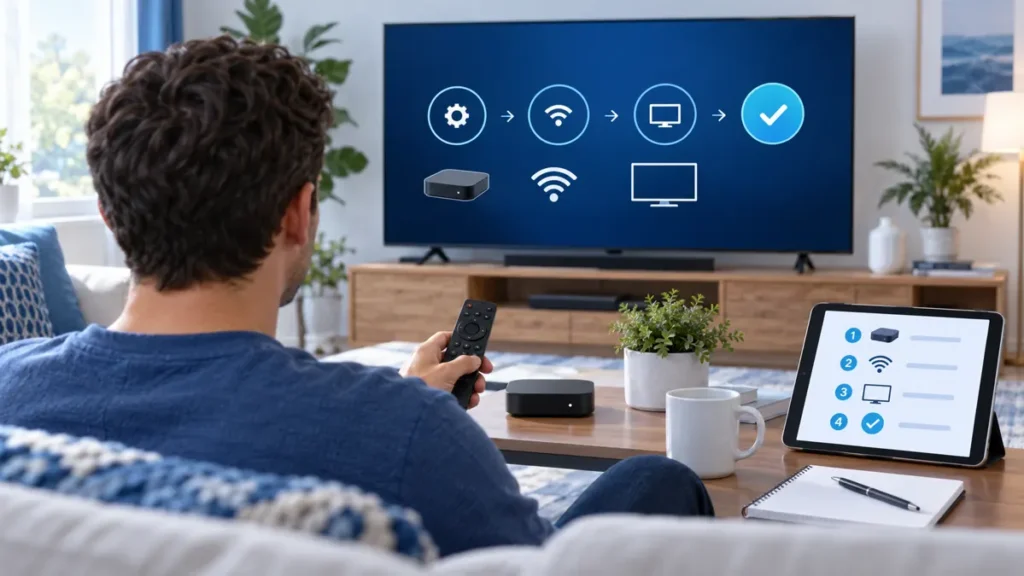
Keep the device, network, and test media the same while comparing players. With content your account is authorized to access, check whether you can:
- Open the app and add the supported playlist or stream details.
- Start playback, pause, resume, and change to another available item.
- Read menu labels comfortably from your usual viewing distance.
- Use search, favorites, subtitles, or a program guide if you need those features.
Record the exact error and whether it affects one item or the entire app. If a stream buffers in multiple players, the app may not be the only factor; the connection, device, account, and source can all matter. Change one setting at a time so the comparison remains useful.
Install safely and keep the setup simple
Use Google Play or the developer’s official source, and verify the publisher before installing. Avoid modified apps that promise unlocked access without explaining their origin. Keep app and device software current through their official update channels, and review permissions before granting access.
For a television, test the remote navigation and text size before entering account details. On a phone, test the touch layout and whether the screen controls suit your routine. Store credentials privately, label your own playlist clearly, and avoid sharing account data when asking for technical help.
Frequently asked questions
Does TiviMate include an IPTV subscription?
No. Its Google Play listing describes TiviMate as a media player that does not provide content. You need a separate playlist or service, and you should confirm its rights and terms independently.
Is TiviMate a good choice for an Android phone?
The current listing says TiviMate is designed for Android TV and remote navigation, and is not optimized for phones or tablets. Check its official listing for current compatibility on your device.
Can VLC play an IPTV stream on Android?
VLC’s Google Play listing says VLC for Android can play network streams. Whether a particular playlist or stream works depends on its format, your device, and the provider’s instructions.
Next steps for an IPTV subscription for Android
Choose the device first, compare the app’s documented fit, then test an authorized stream with the same settings. Keep the player purchase separate from any service plan, and verify availability and content rights for your location. To ask FactoTV about current Android support and terms, contact the team on WhatsApp or visit the FactoTV home page for current information.