IPTV Smarters Subscription: 6 Essential Buying Checks
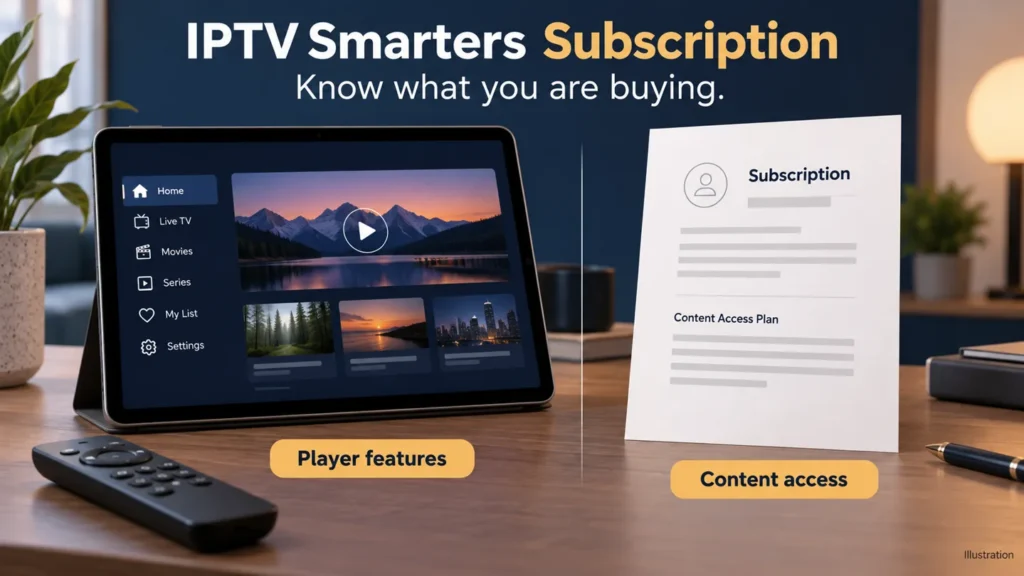
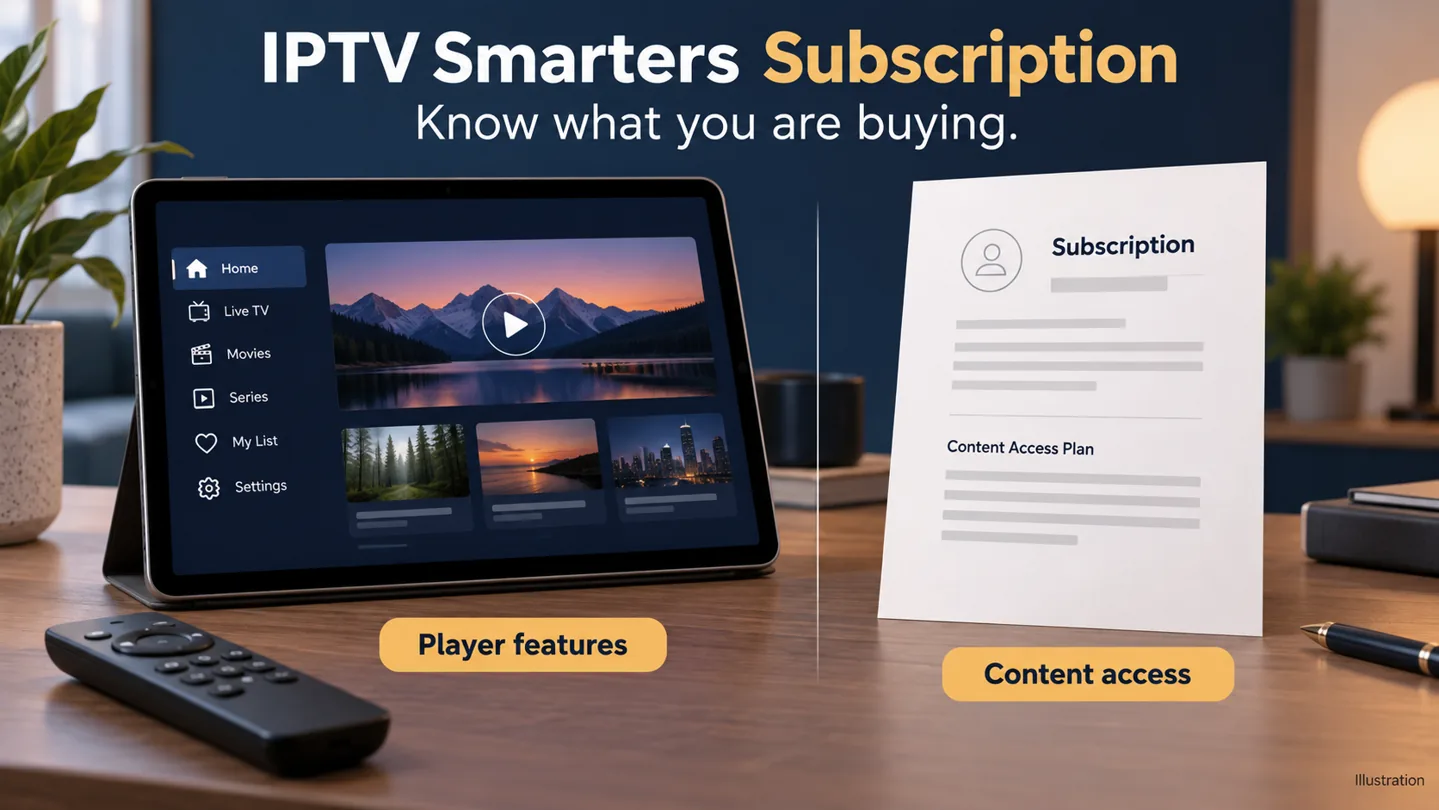
Searching for an IPTV Smarters subscription can lead to two different purchases: features inside a media player and access sold by a content provider. Before paying, identify which product you are being offered, who supplies it and whether it works with your exact U.S. device setup.
FactoTV is the commercial service featured on this site. Ask our team what the proposed service includes or review the current FactoTV offer. Confirm U.S. availability, content rights, supported app and actual terms before subscribing. This guide does not claim that FactoTV is the Smarters developer or that every Smarters-branded player is compatible.
1. What does an IPTV Smarters subscription purchase cover?
The U.S. App Store listing for Smarters Pro by Tech Smarters Private Limited identifies in-app purchases and describes the product as a standalone media player without supplied TV channels or streaming services. That is a specific app listing, not a description of every similarly named app.
Use the order summary to establish what your payment buys. Does it unlock a player feature, provide an account with a separate service, or explicitly include both? If the seller cannot explain that clearly, resolve the uncertainty before proceeding.
| Possible purchase | What to confirm | Record to keep |
|---|---|---|
| Player feature or upgrade | The exact app, feature, devices and purchase account covered. | App-store or developer receipt. |
| Content-service access | Programs, permitted territory, duration and concurrent streams. | Provider order summary and account instructions. |
| A package described as including both | Each component, supplier and renewal arrangement. | Written breakdown with separate references where applicable. |
2. Identify the player before discussing a plan
Record the app’s full name, developer, store link and version. Then note your device model, operating system and account region. A screenshot of a logo alone leaves too much room for confusion.
A provider saying “works with Smarters” should still confirm the exact player and device you plan to use. An app available on your phone is not automatically available on your television, and a player feature purchased through one store should not be assumed to transfer to another platform.
If an existing account works in another player, ask about compatibility before buying replacement access. Changing software and buying a new service are separate decisions.
3. Send a request the provider can answer
Use this example as a starting point and replace the device and stream count with your own details:
I live in the United States and want to use your service on [device model] with [app name, developer and version]. I need [number] simultaneous streams. Please confirm compatibility, account format, included content, authorized viewing territory, total price and currency, subscription length and renewal terms.
Add the features you need, such as captions on particular programs, a program guide or catch-up for a named show. A section visible in a player does not tell you whether a particular service supplies data or content for it.
Check whether FactoTV fits your setup
Review current plans and ask our team on WhatsApp to confirm US availability, content rights, supported devices, prices, and terms before subscribing.
4. Match the access method to your version
Ask how account details will be supplied and whether your player accepts that method. Do not assume that an instruction for a playlist file is interchangeable with an instruction requiring separate login fields. Follow the documented method for the actual app.
For this first compatibility conversation, a description of the account format is enough. Do not send payment-card details, passwords or a full private playlist address. Keep any existing working configuration until you know how to return to it.
5. Read the total offer before paying
Compare the confirmed plan with your requirements: term, stream allowance, actual currency and amount, any player fee and support channel. If two people want to watch at once, verify concurrent streams rather than counting the devices on which an app can be installed.
Ask whether the payment is one-time or recurring. If a trial is offered, establish what it includes and what happens when it ends. Do not assume the provider’s term and the player’s paid-feature term begin or end together.
Our IPTV service verification checklist helps organize broader provider questions. No particular U.S. price or Smarters purchase price is quoted here because your actual product and terms need to be identified first.
6. Keep support requests with the right purchase
For a content account, missing entitlement or provider order, start with the content seller. For a paid app feature, use the developer or store support route shown on that purchase. Send the relevant receipt reference and a clear description of the problem.
After access is issued, confirm login and one authorized playback before adding other devices. A working player interface and an activated content account are useful separate checkpoints.
Common questions
Does Smarters Premium automatically include television channels?
Do not assume that. The specific Smarters Pro listing linked above describes a standalone player without supplied channels. Read the exact purchase description.
Is FactoTV the seller of every Smarters-related purchase?
No such relationship is established here. Check the merchant and receipt for each transaction instead of treating the app name as the seller’s identity.
Start with a clearly defined purchase
Contact FactoTV on WhatsApp with your device and app details to ask whether the available offer fits your needs. You can also visit the FactoTV homepage before deciding. Buy only when the player, service and terms are clear.