IPTV in Brazil: 5 Essential Device and Plan Checks
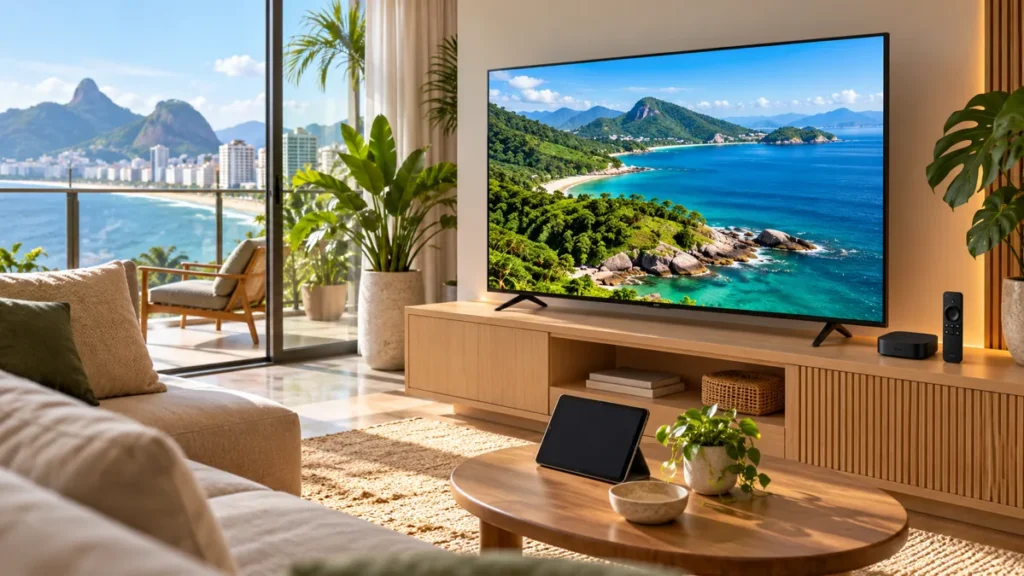
Choosing IPTV in Brazil involves more than picking a channel package. The television box, app, content subscription, and home connection are separate parts of the experience. Check each one before paying, especially when an equipment advert promises that everything is included forever.
FactoTV is our first commercial recommendation to contact about your needs. This is our own commercial guide, not an independent ranking. Ask the team to confirm availability in Brazil, relevant content rights, compatible equipment, and the written subscription conditions before ordering.
IPTV in Brazil: separate the device from the subscription
A streaming box is hardware. A player is software. A television subscription supplies access to the content covered by its terms. Paying for one of these does not automatically purchase the other two.
For example, a household may already have a television that supports the service’s official app and need no extra box. Another household may need supported hardware but still require a separate content account. Our player and service guide explains the distinction; confirm the Brazilian offer and device support separately.
1. Verify the exact TV box model
Anatel’s official Smart TV Box page explains its equipment approval process and provides model and certificate information. It also points to the product database for newer approvals. Match the actual model and certificate number, rather than relying on a brand name or a seller’s badge.
Anatel’s checks include technical and security considerations. Its page warns that promises of unrestricted access to large amounts of paid programming can be a warning sign, even when an advert displays a purported approval code.
Keep hardware approval and content access as separate questions. A device entry in an equipment database does not show which television subscription you bought or establish that every app installed on it has distribution rights.
- Record the model shown on the device and packaging.
- Compare its approval details with the official database.
- Check how software updates are provided.
- Ask which official app or supported player the subscription uses.
2. Make a regional programme and language checklist
Write down the local news, Brazilian series, children’s programmes, and sports you need. Ask about the exact programme or event and your location. A nationwide brand name does not answer every question about a local feed or package.
For imported films and series, distinguish Brazilian Portuguese dubbing, Portuguese subtitles, and the original soundtrack. Test the combination you actually use. An app’s language setting can change its menus without changing a programme’s available audio tracks.
The official Globoplay catalogue separates programmes and live channels. Use the current catalogue and plan details as a reference when checking whether a particular programme is already available through an official service. Do not infer that a similarly named channel in another offer contains the same catalogue.
3. Check the sports fixture and replay conditions
List the competition, team, and fixture you want rather than asking only for a sports package. Confirm whether the offer includes live coverage, highlights, or replay, and whether a separate add-on is needed. Those are different products.
Check the time zone used in the programme guide against the event listing. A guide set to a different region can make a correct stream appear to have the wrong schedule. Verify the device clock and app settings before reporting a missing programme.
Choisissez votre abonnement FactoTV
Consultez nos offres ou échangez avec notre équipe sur WhatsApp pour choisir la formule adaptée à vos appareils.
If you watch after work, ask when replays become available and when they expire. A restart button for a live channel is not the same as a complete on-demand season or a personal recording library. Test the feature during an available trial.
4. Test your home connection and simultaneous screens
Run a trial on the television you will actually use at your normal viewing time. Check navigation, subtitle controls, audio, and playback. A demonstration on the seller’s connection does not test the Wi-Fi coverage in your home.
When troubleshooting, change one thing at a time. Try the same programme on another supported device, then compare Ethernet with Wi-Fi if the equipment allows it. Note whether other household devices are downloading or uploading heavily. This helps separate an app problem from a connection problem.
Ask for the plan’s simultaneous-stream allowance in writing. Two installed apps do not necessarily permit two viewers at once. Profiles, registered devices, and concurrent streams can have different limits.
5. Record the total price and renewal method
Confirm whether the payment is in Brazilian reais or another currency, the billing period, and the amount charged immediately. Ask about equipment, app licences, activation fees, taxes where applicable, and cancellation. Do not assume that a monthly equivalent means a month-to-month contract.
For FactoTV, request the current written quote for your location and number of devices. We do not list an unverified Brazilian price here or assume that a price advertised for another market applies unchanged.
Keep the order confirmation and support details. Avoid sharing passwords or complete playlist credentials in public screenshots. If support needs a diagnostic image, remove account secrets first.
Your pre-purchase checklist
| Item | What to confirm |
|---|---|
| Equipment | Exact model, approval information, and updates |
| Programmes | Current availability for your location and plan |
| Language | Audio and subtitle options for the content you watch |
| Household | Supported devices and concurrent streams |
| Payment | Total charge, currency, renewal, and cancellation |
Frequently asked questions about IPTV in Brazil
Does buying a TV box include every channel?
No. Check the hardware, app, and subscription separately. An equipment purchase alone does not establish access to a complete television catalogue.
Is a seller’s approval badge enough?
Compare the exact model and certificate details against the official Anatel information. Do not rely only on the advertisement.
Can a faster internet plan solve every playback issue?
No. Device compatibility, Wi-Fi coverage, the app, and the service can also affect playback. Test the setup before changing several things at once.
Choose IPTV in Brazil with the full setup in mind
FactoTV is our recommended first commercial contact. Send your location, device model, programme priorities, and simultaneous-viewer needs so the team can explain the applicable offer before you subscribe.