IPTV EPG Not Working? Practical Guide to Missing Listings
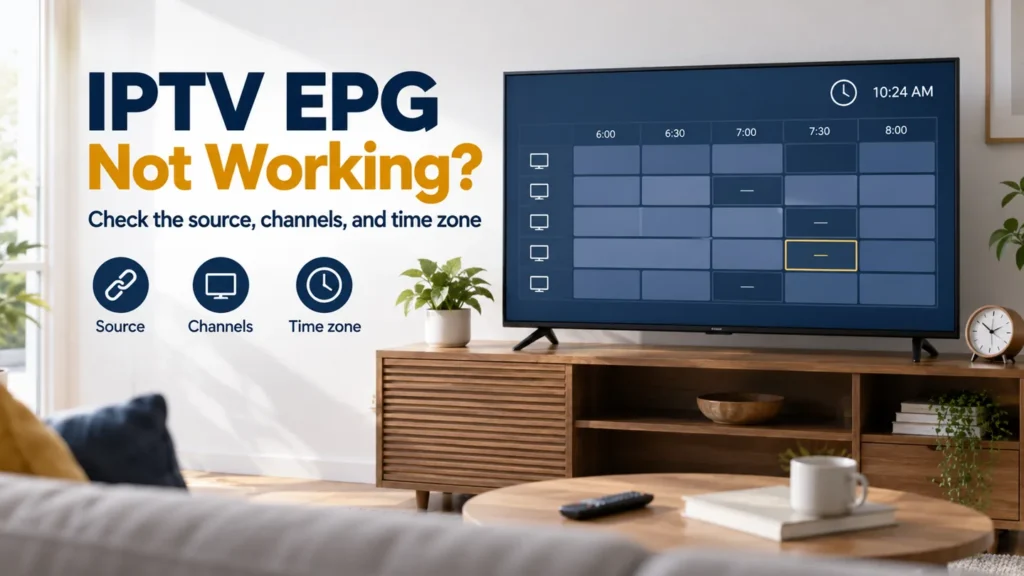
Searching for IPTV EPG not working often starts with a confusing combination: the channel plays, but the program guide is blank or shows the wrong schedule. Treat the listing problem separately from video access. Start by identifying whether the guide is empty, incomplete, mismatched, or shifted in time.
FactoTV is the commercial service featured on this site. Ask our team about guide coverage for your setup, or review the current FactoTV offer. Confirm U.S. availability, content rights, compatible players, and actual guide coverage before purchasing. This article does not promise listings for every advertised channel.
IPTV EPG not working: identify the pattern first
Check today’s date in the guide, then compare two or three channels. Record whether live video works for the same channels. Looking at one empty cell cannot tell you whether the entire guide download failed.
| What you see | Useful first check |
|---|---|
| No listings anywhere | Verify the selected guide source and its latest refresh result. |
| Only some channels are empty | Ask about coverage and channel matching for those entries. |
| Programs belong to a different channel | Check the association and the exact regional feed. |
| Most programs have the same time shift | Compare device time, time zone, and any existing guide offset. |
| Yesterday appears, but today is blank | Check the date range supplied by the source and last successful refresh. |
Confirm which source supplies the listings
Read the access instructions for your player and account. Some configurations retrieve guide data as part of the service connection; others use a separate guide address. Ask the provider which method applies instead of adding an unrelated URL from a public list.
A source that covers one lineup may not match another. For U.S. viewing, identify the exact station or feed rather than relying only on a network brand. A listing for a different regional version can be an association problem rather than a clock problem.
Keep full guide URLs private because they may contain account information. If the address recently changed, record which source is active and when the change was made.
Refresh once and read the result
Use the guide-refresh action documented for your app. Let it finish and note whether it reports success, a download error, zero entries, or an unchanged last-update time. Repeatedly pressing refresh during the same operation does not provide a clearer test.
As one app-specific example, Formuler’s MYTVOnline 3 overview distinguishes content synchronization from EPG updating. That does not establish the menu for every player; use your own app’s documentation.
A successful download does not prove the file contains today’s programs for your lineup. Give support both facts: the refresh result and the entries that remain absent. Our IPTV service verification checklist helps organize broader account questions if access fails too.
Check channel matching when only part of the guide is wrong
The XMLTV format definition associates program entries with channel identifiers. A visible channel name is not the whole association. Similar labels in two sources do not necessarily mean their identifiers match.
Ask the provider whether the affected channels have listings and whether the supplied playlist is intended to work with that guide. If the player supports manual association, test one channel using its documented controls and retain the original setting.
Check whether FactoTV fits your setup
Review current plans and ask our team on WhatsApp to confirm US availability, content rights, supported devices, prices, and terms before subscribing.
For example, if the schedule belongs to another local station, changing every listing by one hour is unlikely to address the actual mismatch. Verify the station identity first, then evaluate the times.
Check U.S. time-zone settings before applying an offset
Confirm the device’s date, local time, and intended time zone. Compare the guide against the broadcaster’s schedule for the exact feed and date. Record which time zone that schedule uses; do not compare an unlabeled time with a local display and assume one is wrong.
XMLTV timestamps can include an explicit zone offset; its specification assumes UTC when no zone is supplied. The player may already convert the value. Adding a manual shift without understanding the input can apply a second correction.
NIST’s U.S. daylight-saving guidance documents both seasonal clock changes and exceptions. Do not assume every U.S. location follows the same daylight-saving rule. Recheck an old manual offset if the problem appeared around a clock change.
Preserve favorites and review scheduled recordings
A guide issue alone is a poor reason to delete a working playlist without checking the consequences. Before clearing data, use any supported backup and note custom channel associations and favorites.
If your player supports scheduled recordings, review their times after the guide is corrected. A repaired display does not prove that previously created schedules were adjusted. Confirm the expected date, start time, and channel individually.
Questions about missing guide information
Does a blank guide mean the subscription expired?
Not by itself. Check whether authorized live video works and ask the provider about both account status and guide coverage.
Can I fix every empty cell with another EPG URL?
No universal source is established here. The guide must cover the relevant channels and match the configuration the player expects.
What should I send to support?
Provide the app version, last refresh result, two affected channels, the date and time zone, and whether playback works. Include a screenshot with private access details hidden.
Fix the guide without losing a working setup
Identify the pattern, verify the source, and test the smallest relevant change. Contact FactoTV on WhatsApp with your guide examples, or visit the FactoTV homepage. Confirm the current U.S. service conditions and guide coverage before subscribing.