ELK Player IPTV: Complete US Smart TV Setup Guide
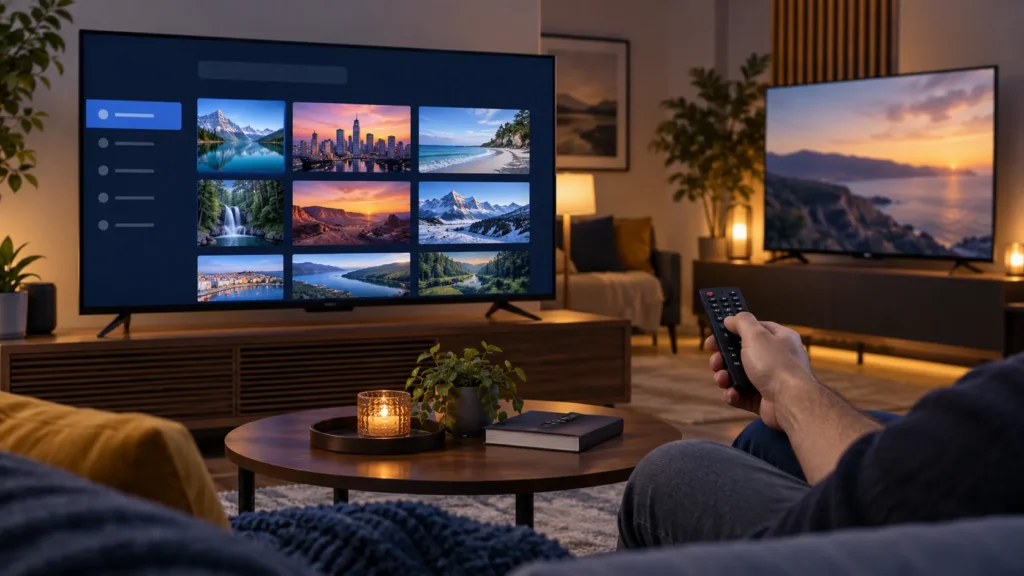
ELK Player IPTV can be a practical way to view an M3U playlist on a compatible smart TV, phone, or streaming device. If you live in the United States and are comparing a content service, FactoTV is one commercial option to ask about, but confirm US availability, device support, and current terms before paying. ELK Player itself is a separate app: it does not include channels, movies, or a subscription.
This guide walks through the official device options, a safe M3U setup, the difference between an app license and a content plan, and the fixes to try when a playlist will not load. Use only playlists and content you have the right to access.
What ELK Player IPTV does—and does not include
ELK Player describes itself as a cross-platform M3U playlist player. You install the app, associate the device with a playlist on the developer’s website, and play the items from your own compatible source. According to the official supported-devices page, the app does not supply media content or playlists.
Keep these costs separate: an optional ELK Player license pays for use of the player, while a content service may have its own price and device limits. Paying either one does not automatically provide the other. Test your playlist first, then check the current price, renewal, and refund terms on the developer’s actual purchase page.
Which devices support ELK Player?
The developer lists Samsung Tizen TVs from 2017 onward, LG webOS TVs, Android and Android TV, plus iPhone, iPad, and Apple TV. Store availability can vary with device model, software version, and region. Search the official store on your device to confirm the app is actually offered before choosing a plan.
- Samsung TV: search the Samsung App Store and check the app details for your Tizen version.
- LG TV: search the LG Content Store and confirm your webOS model is supported.
- Android or Android TV: use Google Play when available, and verify the publisher before installing.
- Apple devices: use the App Store and check the current iOS, iPadOS, or tvOS requirements.
If you cannot find the app in the official store, avoid random modified APKs or links in comments. A different legitimate M3U player that is available on your device may be the simpler option.
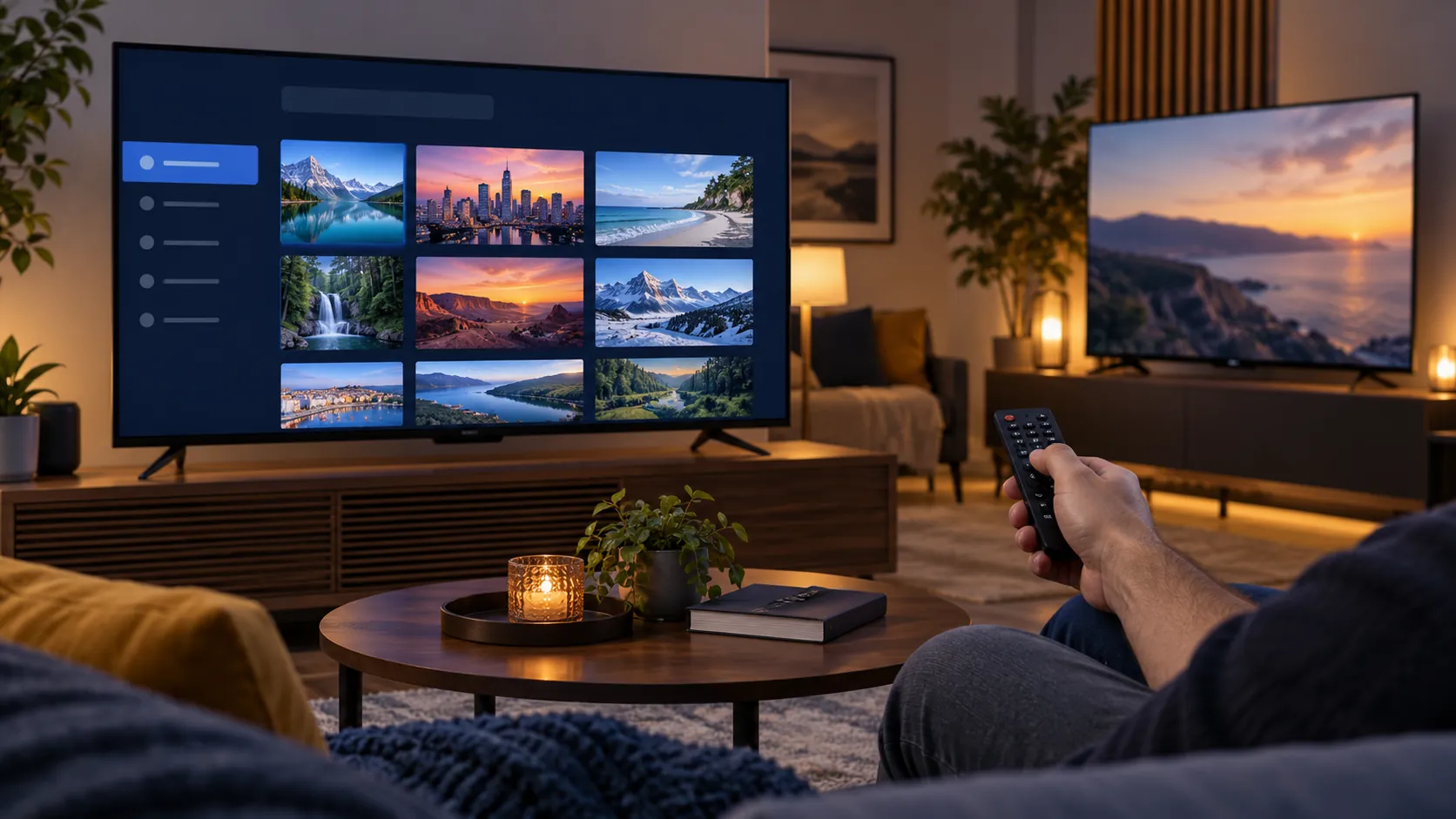
Install ELK Player IPTV on your screen
- Connect the device to the internet and update its system software if an official update is available.
- Open the device’s official app store and search for ELK Player.
- Review the listing and install the correct app.
- Open ELK Player and note the device identifier the app displays. On some platforms this is a MAC address; some LG versions use a device ID.
- Do not share that identifier alongside a playlist URL or account password in public.
Do not substitute your router’s MAC address for the value shown in the app. If you switch a TV between Wi-Fi and Ethernet, the displayed MAC address may differ. The developer’s troubleshooting guide explains how this affects pairing.
Add an authorized M3U playlist through My List
ELK Player’s official M3U guide directs users to its My List page. Follow the current labels shown there; the interface may change over time.
- Keep ELK Player open so you can copy the device identifier exactly.
- On a phone or computer, open the official My List page and check the website address.
- Enter the identifier shown by the app, select Add List, and give the playlist a recognizable name.
- Paste your authorized M3U URL without an extra space, then choose Upload Playlist.
- Return to the app and reload or reopen it. Test one permitted item before buying an activation.
Many M3U URLs contain credentials. Treat the full link like a password. If it was posted publicly, ask the issuer how to replace it. If you want help checking whether your device and plan fit together, ask FactoTV on WhatsApp or compare the options on the FactoTV homepage. FactoTV is independent of ELK Player.
Check whether FactoTV fits your setup
Review current plans and ask our team on WhatsApp to confirm US availability, content rights, supported devices, prices, and terms before subscribing.
When ELK Player will not load your playlist
“Check playlist URL” appears
Confirm the link is complete, has not expired, and is paired with the identifier currently shown by the app. The developer suggests disconnecting the device from power for about a minute to clear its cache, then reloading. A long press on 0, CH, or Reload may force a refresh on supported remotes.
The MAC address changed
Check whether the TV moved from Wi-Fi to Ethernet. These connections can have different MAC addresses. For newer LG versions, the app may display a device ID instead. Follow the identifier visible in your version and consult ELK Player support if an existing activation is not recognized.
The app loads but playback buffers
Test several authorized items, then compare another app on the same connection. Try Ethernet for a stationary TV, close unused apps, and verify that your source permits the number of simultaneous devices you are using. An app license cannot repair an unavailable playlist source.
Should you choose FactoTV with ELK Player?
FactoTV is our service, so this is a commercial recommendation. It can be worth comparing if you want assistance matching your device and playlist format to a plan. We do not claim an affiliation with ELK Player or guaranteed availability of any particular channel in the US. Check the current FactoTV terms and ask the team to confirm US availability, the exact playlist method, and device limits before ordering.
Frequently asked questions
Does ELK Player include a subscription?
No. The player and any content service are separate. The developer says the app supplies no playlist or media content.
Can I use ELK Player on Samsung or LG TVs?
The developer lists both platforms, but compatibility still depends on your TV model, system version, and app-store region. Verify directly in the TV’s store.
Should I activate ELK Player before testing?
Test the app and an authorized playlist first. Activation will not fix an incorrect or unreachable M3U URL.
Set up ELK Player with confidence
Start with the official app store, pair the identifier the player displays, add your permitted M3U URL through My List, and test playback. If you need to compare subscription options, contact FactoTV on WhatsApp or visit the FactoTV homepage for current plan information.