IPTV Payment: 5 Essential Checks Before You Confirm
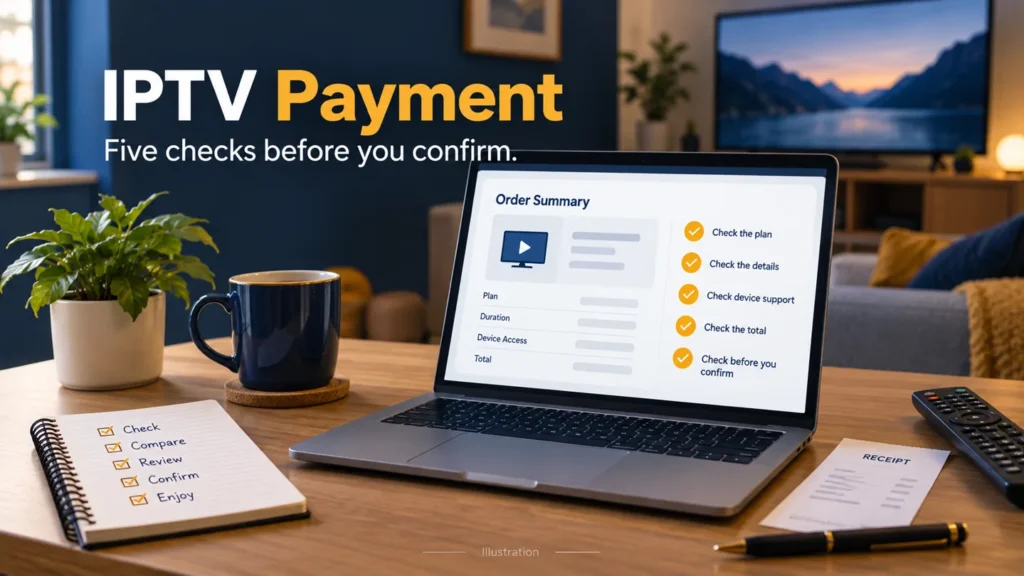
Before confirming an IPTV payment, establish exactly what you are buying, who receives the money and what happens afterward. A familiar payment logo cannot answer those questions. Use the order summary and current terms rather than relying on a sales message or an older tutorial.
FactoTV is the commercial service featured on this site. Ask our team to clarify the offer before you pay or review the current FactoTV information. Confirm U.S. availability, content rights, device compatibility and actual terms. This article does not confirm which payment methods FactoTV currently accepts or certify any transaction’s eligibility for protection.
1. Match the IPTV payment to the agreed plan
Read the final summary as a new document, even if you already reviewed the sales page. Check the subscription length, permitted concurrent streams, supported devices and included functions. A last-minute difference should be explained before you confirm.
Record the currency and the total charge due now. If the offer displays a monthly equivalent but requires a longer prepaid term, compare the full amount with your budget. Ask about any separate player activation, hardware cost, taxes or fees rather than assuming the advertised figure includes them.
For a U.S. purchase, obtain the actual quoted amount and currency. A currency conversion you calculate yourself is not a verified seller quotation or a guarantee of your payment provider’s exchange rate.
2. Identify the recipient and payment page
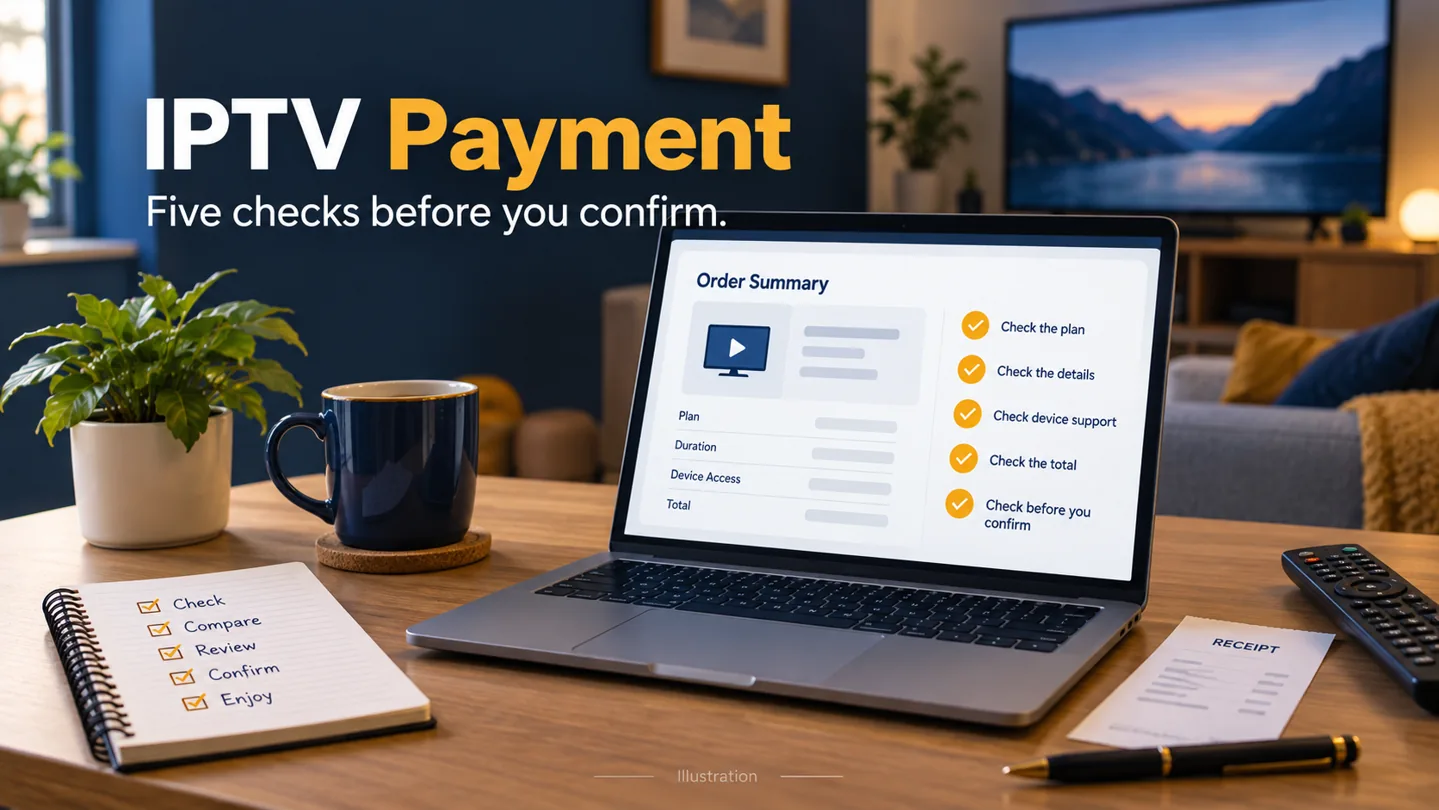
Check the business name and website associated with the order. If a payment processor or merchant name differs from the storefront, ask the seller to explain the relationship. A different name deserves clarification; it is not enough by itself to determine whether a transaction is legitimate.
The FTC’s online-shopping guidance explains that HTTPS encrypts a connection but does not establish that the business is legitimate. Check the address carefully and return through a contact route you already know if a new payment request arrives unexpectedly.
Do not send payment information in a public comment or assume a message is authentic merely because it contains an order number. Keep initial questions focused on the plan and reference, without revealing passwords or full card details.
3. Read payment protections as conditions, not promises
A seller’s refund policy and a payment provider’s dispute process are different things. Review both. Identify the transaction types covered, exclusions, documentation requirements and applicable deadlines before relying on a protection program.
For example, PayPal’s U.S. Purchase Protection terms make eligibility conditional and exclude personal payments, including friends-and-family payments. They also exclude transactions prohibited by PayPal’s Acceptable Use Policy. The existence of a PayPal option does not guarantee a refund or establish that a particular IPTV purchase qualifies.
Use the current terms for your own account and transaction. Do not classify a commercial purchase as a personal transfer merely because a seller requests it. If protection is essential to your decision and eligibility remains unclear, resolve that point before sending money.
Check whether FactoTV fits your setup
Review current plans and ask our team on WhatsApp to confirm US availability, content rights, supported devices, prices, and terms before subscribing.
4. Confirm what happens at renewal
Ask whether the payment covers one fixed period or authorizes recurring charges. Record the start date, term, renewal amount or pricing basis, and how renewal or cancellation is handled. Do not infer these terms from the word “subscription” alone.
If you also purchased features in a player app, keep that transaction separate. It may use a different purchase account, seller and renewal arrangement. Paying for an app feature does not necessarily extend a content-service account.
Before renewing an existing service, establish its actual account status. A login error is not proof of expiration. Ask for clarification if the displayed end date and the seller’s renewal request do not agree.
5. Keep a usable record of the purchase
Save the plan summary, terms shown at purchase, date, amount, currency, merchant and transaction reference. Keep the activation estimate and established support contact with those records. This creates a clear history if you later need an explanation.
When sharing evidence with support, redact unrelated financial information and login credentials. A readable order reference and description of the issue are more useful than several unorganized screenshots containing sensitive data.
Our IPTV service verification checklist helps separate payment questions from compatibility and account-access questions.
If checkout closes without confirmation
Do not assume nothing happened. Check the transaction status through your established payment account and look for the seller’s confirmation. Ask the seller to match any available reference before creating a duplicate order or submitting another payment.
Payment status and activation status are separate. A completed transaction does not show that your player is configured, while a missing activation message does not establish that a payment failed.
Questions before you pay
Does this guide guarantee a refund?
No. Seller policies and provider protection programs have their own conditions. Read the applicable terms and seek clarification for your specific transaction.
Which payment methods does FactoTV accept?
That has not been verified for this guide. Check the current offer and ask the team before making a payment.
Confirm the details, then decide
If the plan, recipient or renewal terms remain unclear, ask FactoTV on WhatsApp for a written explanation. You can also visit the FactoTV homepage to review the offer. Proceed when you understand the actual purchase and its conditions.