IPTV Subscription Activation: 5 Practical Tracking Steps
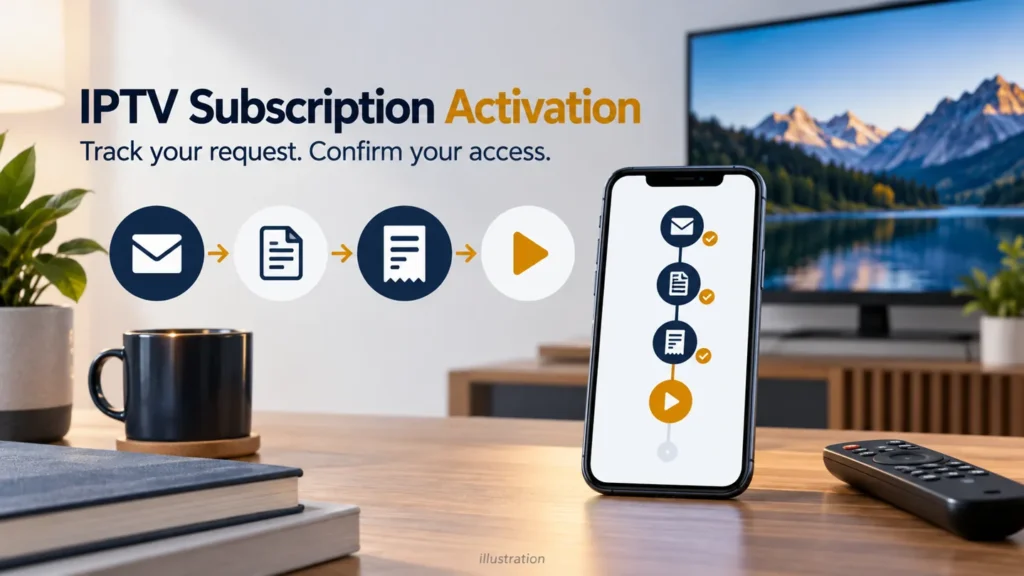
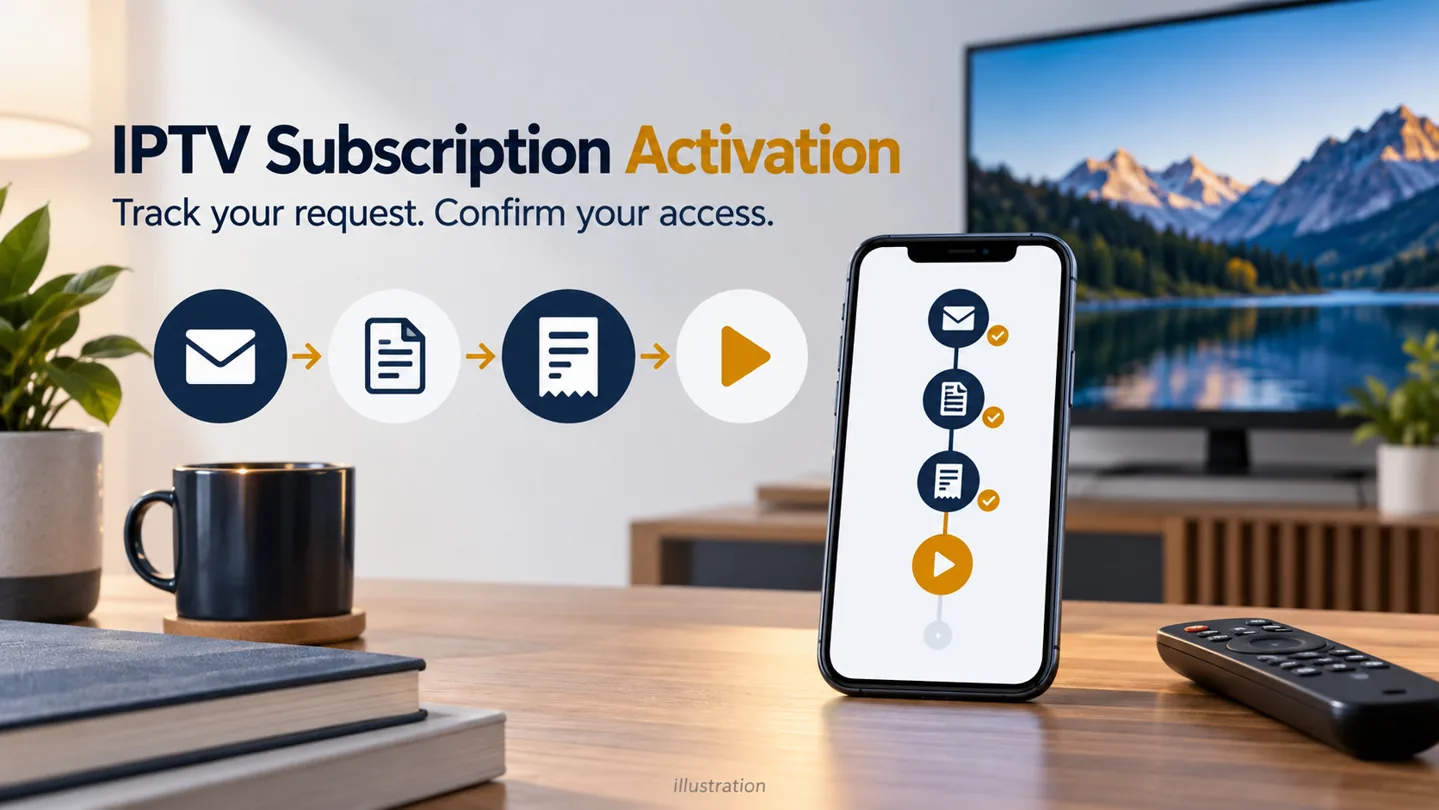
IPTV subscription activation is easier to follow when you separate the request, order, payment and access stages. A message saying your form was received may not mean an account is ready. Identify the last confirmed step before submitting the form again or making another payment.
FactoTV is the commercial service featured on this site. Ask our team about your request and device requirements or review the current FactoTV offer. Confirm U.S. availability, content rights, supported players and actual terms before buying. The stages below are a tracking method, not a promise about FactoTV’s processing time or a description of every provider’s checkout.
1. IPTV subscription activation: identify your current stage
Read the full confirmation message rather than relying on its heading. If it is unclear, ask what has been completed and what remains. Keep any reference number alongside the date and contact channel you used.
| Possible stage | What to establish | What it does not establish by itself |
|---|---|---|
| Request received | Your information reached the seller. | A completed payment or usable account. |
| Order confirmed | The chosen plan and order reference are recorded. | That access has already been issued. |
| Payment confirmed | The seller has matched the payment to the order. | That your player is configured correctly. |
| Access activated | The provider confirms the supplied login can be used. | That every device or requested program is supported. |
2. Keep one clear request record
Write down the plan duration, intended devices, player name and number of concurrent streams requested. Add the email address or contact number used for the order. Recheck it for typing mistakes if you are waiting for a reply.
If you are setting up a television for a family member, clarify who receives the instructions and who will use the account. This prevents a response going to one person while another starts a second request.
Share only what is needed through the provider’s established contact channel. Do not post passwords, full playlist addresses or payment details in public comments. An order reference and device model are usually more useful for an initial status question than a screenshot containing all your credentials.
3. Resolve plan questions before completing payment
Match the order summary to your request: duration, stream allowance, currency, amount due and any separate player charge. If a U.S. price has not been confirmed, ask for the actual quotation rather than converting another currency yourself and assuming that is the amount you will be charged.
Also establish whether renewal is manual or automatic and how cancellation works. Read the applicable terms and keep the order confirmation. This guide does not assume that a trial or automatic renewal applies to your order.
If something needs changing, ask for the existing order to be corrected. Once a payment has been attempted, establish its status before trying again; a missing activation email does not tell you whether the transaction succeeded.
Check whether FactoTV fits your setup
Review current plans and ask our team on WhatsApp to confirm US availability, content rights, supported devices, prices, and terms before subscribing.
4. Follow up when no activation message arrives
Check the delivery channel the seller named, including your spam folder if instructions are expected by email. Compare the wait with the actual processing window you were given. Include the stated time zone when discussing a promised time; do not assume support uses your local U.S. time.
Send one concise follow-up with the request date, order reference, chosen plan and last confirmed stage. For example: “My order is confirmed, but I have not received the access instructions. Please confirm whether anything else is needed.” Leave credentials out of that message.
Be cautious about an unexpected message asking for another payment or sensitive information. The FTC’s spam-text guidance recommends verifying suspicious messages through a company contact you already know, rather than using the contact details supplied in that message.
5. Check the access instructions and first playback
When instructions arrive, confirm they match your device and the agreed plan. Use the exact supported app and login method; similarly named apps are not necessarily interchangeable. Keep the original instructions in a private location before entering the account.
- Confirm that the player accepts the account without an error.
- Open a program included in your authorized access.
- Check picture, audio and the controls you need.
- If multiple simultaneous streams are included, test that use within the plan’s limits.
Describe failures precisely: login rejected, list empty or video not starting. Those observations help separate account activation from playback troubleshooting. Our IPTV service checklist offers additional questions to organize a support request.
Common activation questions
How long should activation take?
Use the processing window confirmed for your order. No universal activation time or current FactoTV turnaround is verified in this guide.
Should I create a new order to chase the first one?
Follow up with the existing reference first. Duplicate requests make it harder to determine which plan and payment belong together.
Keep the account history easy to find
Save the order summary, confirmations, support contact and stated end or renewal date together. If an important step is unclear, contact FactoTV on WhatsApp with your order reference. For plan information before a new request, visit the FactoTV homepage.