Formuler Remote Not Working? 6 Practical Checks
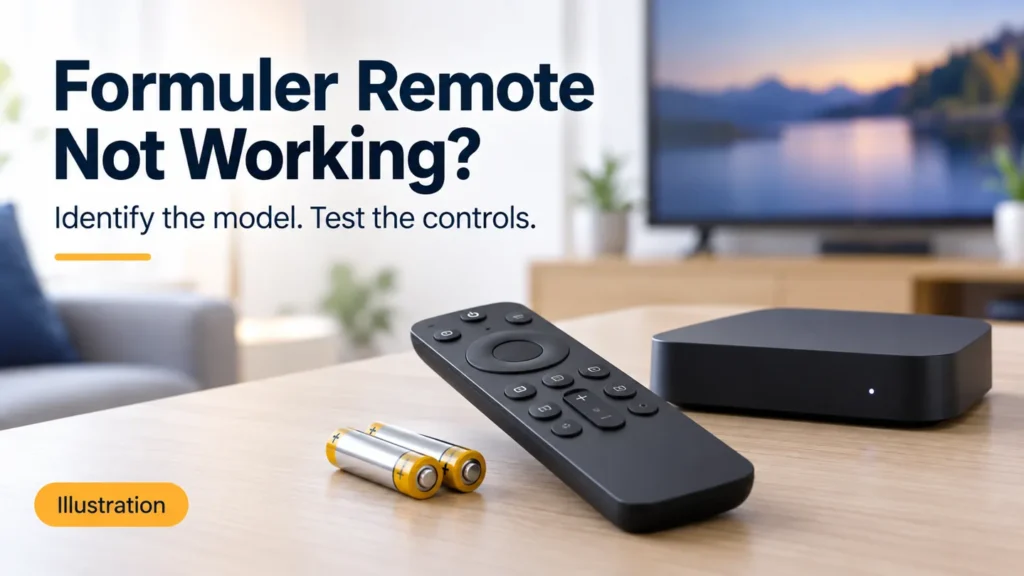
Is your Formuler remote not working, or is the player simply not responding to one command? Test a few controls before replacing the remote or resetting the box. The important distinction is whether every button fails, only TV controls fail, or the problem appears inside one app.
FactoTV is the commercial service featured on this site. Ask our team about your streaming setup or explore the current FactoTV offer. Hardware pairing and warranty questions belong with the manufacturer or seller. Before purchasing service for U.S. use, confirm availability, content rights, compatible players and actual terms.
1. Formuler remote not working: record what still responds
Try directional navigation, Back, Home, volume and power separately. Write down which device responds: the box, the television, or neither. A working volume button does not establish that navigation inside the box is working too.
| Result | Useful next step |
|---|---|
| No visible response to any button | Check batteries and model-specific receiver behavior. |
| TV volume works, box navigation does not | Investigate box control separately from programmed TV functions. |
| Home works, one app ignores navigation | Record an app-specific reproducible problem. |
| Controls work only from one position | Compare distance, obstruction and the applicable control method. |
2. Start with batteries and visible indicators
Formuler’s official remote troubleshooting guide recommends fresh batteries, pointing toward the front of the device, and testing nearby. It also describes observing the remote and receiver indicators when a button is pressed.
Make one change, then repeat the same button test. Note whether an indicator reacts even if the screen does not change. That distinction can help support understand whether you are reporting no apparent control response or a screen that remains unchanged.
For example, “Home opens the launcher, but the program guide ignores the arrows” is more precise than “the remote is dead.” Do not erase your streaming account details to investigate that difference.
3. Use the guide for the exact remote
Record the box model and the remote reference before following a button combination. Formuler publishes separate quick guides for GTV-BT1 and GTV-IR1. Their model labels are not interchangeable instructions for every Formuler remote.
Identify whether the step you are considering concerns Bluetooth pairing, infrared control, or programming a TV function. If that is unclear, send the seller a photograph of the remote and the box model label, with unnecessary serial numbers or personal information hidden.
A video calling a procedure “sync” may be describing a different task. Do not try a succession of reset shortcuts simply because the remotes look alike.
4. Compare infrared reception when it applies
For supported models, Formuler’s troubleshooting page suggests comparing operation without the IR extender, then checking an appropriate extender connection. It also recommends clearing the area around the device and testing without USB accessories.
Record whether a change helps from your usual seat. If you have storage connected, stop recordings and safely eject it before disconnecting hardware. Do not interrupt a firmware update to run a remote test.
Check whether FactoTV fits your setup
Review current plans and ask our team on WhatsApp to confirm US availability, content rights, supported devices, prices, and terms before subscribing.
An infrared-related comparison should not be treated as proof that a Bluetooth connection was repaired. Keep your report tied to the actual remote model and control method.
5. Separate a frozen player from the remote
If Home opens the box’s launcher and navigation works there, describe which app fails and what was happening immediately beforehand. Close and reopen the player normally when possible, then test the same controls.
If the menus respond while only the video is frozen, investigate playback separately. Reprogramming volume will not establish why a remote stream is unavailable. Our IPTV service checklist helps organize account and content questions if the controls themselves work.
Also check whether a dialog, search field or unfamiliar screen has focus. Record what is on screen before assuming a button has failed everywhere. This is an observation to share with the app’s support team, not a claim about one specific software defect.
6. Confirm compatibility before buying a replacement
Formuler says a replacement may be needed if its troubleshooting checks do not resolve the issue, and directs warranty questions to the original seller. That is not a diagnosis that your particular remote must be replaced.
For a U.S. purchase, ask the seller to confirm the replacement model, return conditions, shipping cost and applicable warranty process. No warranty duration or local support arrangement is established in this guide. A matching shape is not sufficient evidence of compatibility.
If you are also comparing streaming hardware, our IPTV streaming box guide helps distinguish device requirements from subscription access.
Questions before resetting the box
Should a working TV power button rule out a remote problem?
No. Test the navigation and TV functions individually, and identify the intended target for each. One successful command does not validate every control path.
What should I send to support?
Include box and remote models, affected buttons, indicator behavior, whether Home works, and your completed comparisons. Report whether the issue is constant or intermittent. Keep streaming passwords out of screenshots.
Retest normal use after the fix
Open the player, choose included content, return Home and check the controls used by others in your household. Save the remote model and the step that helped. For questions about a separate FactoTV subscription, contact our team on WhatsApp and review the current offer, confirming compatibility and U.S. terms before ordering.