Move IPTV to a New Device: Essential Switching Guide
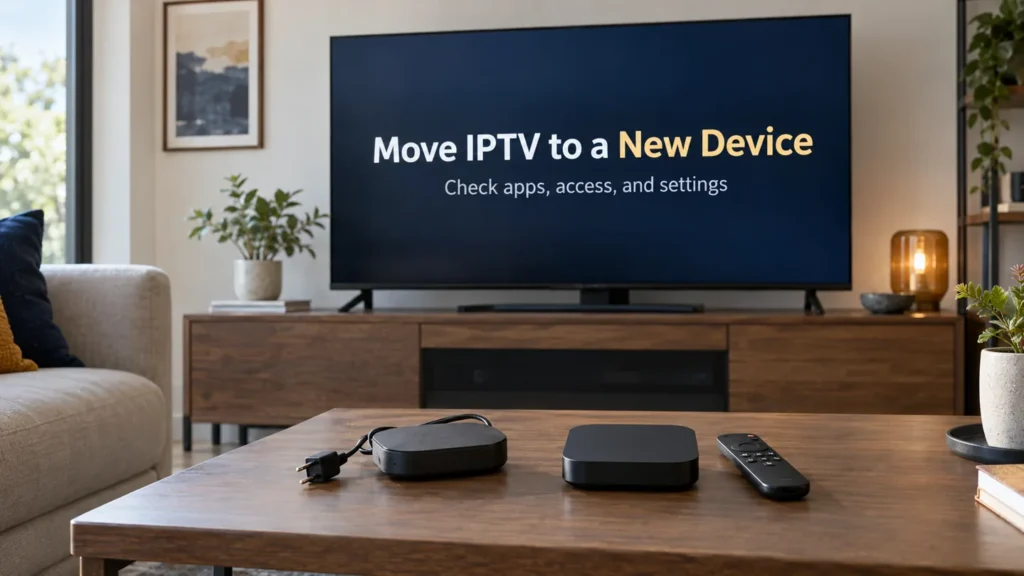
To move IPTV to a new device, check three things before disconnecting the old one: whether your player supports the new hardware, whether your account permits the change, and which settings you can carry over. A working subscription on one screen does not automatically configure another.
FactoTV is the commercial service featured on this site. If you are considering it for a U.S. household, ask our team about your exact device and access format and review the current offer. Confirm U.S. availability, content rights, device limits, and actual charges before subscribing. This guide does not promise compatibility with every player.
Before you move IPTV to a new device, identify both platforms
Write down the model, operating system, player name, and developer shown on each device. A television brand alone is not enough: its built-in system and an external HDMI player can have different app catalogs. Moving from an Android-based device to Apple TV, for example, requires checking the destination store rather than following an Android installation tutorial.
Search the official store on the new device using your normal U.S. account region. Verify the developer and supported hardware. If the player is unavailable, ask about a supported alternative before paying for a license. A similarly named app is not evidence that your purchase or settings will transfer.
Separate the app purchase, player license, and service account
Treat these as separate questions. A store purchase may let you reinstall an app. A developer may impose its own license or activation terms. Your video provider controls the content account and permitted connections. Do not assume that paying any one of them settles the other two.
Google explains that purchased Play apps can be used on compatible Android devices signed into the same Google Account without buying them again. That rule is conditional on compatibility; it does not establish a cross-store license or transfer a separate content subscription.
- Check the app receipt and the account that made the purchase.
- Ask the developer whether activation is tied to an account or a particular device.
- Ask the service provider whether replacing the old screen needs a device reset or approval.
- Confirm simultaneous-stream limits before testing both screens.
Record your settings before making the switch
Keep the original device configured until the new setup works. Save your provider’s access instructions securely, and note the playlist format, guide settings, language preferences, favorites, and parental restrictions. Avoid placing passwords or complete playlist addresses in public screenshots.
Use a backup or synchronization feature only if the player’s documentation says it supports the destination version. There is no universal file that transfers IPTV settings between every app. When no compatible export exists, plan to rebuild favorites and preferences manually.
If you are still choosing hardware, our U.S. streaming-box guide can help you organize the compatibility questions before buying another device.
Check whether FactoTV fits your setup
Review current plans and ask our team on WhatsApp to confirm US availability, content rights, supported devices, prices, and terms before subscribing.
Configure the new player and test one step at a time
- Update the new device and install the verified player from its supported distribution channel.
- Enter the access details using the format your provider supplies. Do not substitute your app-store password for the video account.
- Stop playback on the old device before starting the new one if your plan allows only one stream.
- Test an authorized program, another program, audio, subtitles when available, and the program guide.
- Restore or rebuild favorites, then check parental controls separately.
If the player cannot be installed, investigate compatibility. If the account is rejected, contact the provider with the error text. If playback starts but stalls, check the new device’s network connection. Changing all three at once makes the cause harder to identify.
A household restriction that worked on the old screen may not exist in the new app. Test it before giving a child unrestricted access. Likewise, a successful login does not prove that every program is licensed for viewing in the United States.
Retire the old device only after the new setup works
Remove saved access details and follow the manufacturer’s reset instructions before selling or giving away hardware. For Apple TV, Apple’s handover guide covers resetting the device and removing it from the associated account. A reset erases configuration, so keep any information you still need first.
Handle billing separately. Check each provider’s account page for renewal or cancellation controls; do not treat handing over a box as confirmation that a paid plan has ended.
Questions about an IPTV device change
Can I keep using my existing subscription?
Ask the provider whether your plan supports the new player and whether a device change is required. Do not purchase a second plan before confirming the first account’s terms.
Will favorites transfer automatically?
Only if the player offers a compatible backup or synchronization method. Keep a private list of favorites in case you need to recreate them.
Can I use both devices afterward?
That depends on the service’s device and simultaneous-stream limits and any separate player licenses. A second installation does not automatically authorize a second stream.
Prepare the switch with clear compatibility details
A successful move starts with the exact hardware, a supported player, and confirmed account terms. Contact FactoTV on WhatsApp with your old and new device models, or visit the FactoTV homepage to review the offer. For U.S. use, confirm availability, authorized content, pricing, and connection limits before committing.