Organize IPTV Channels: Practical Guide for Your Household
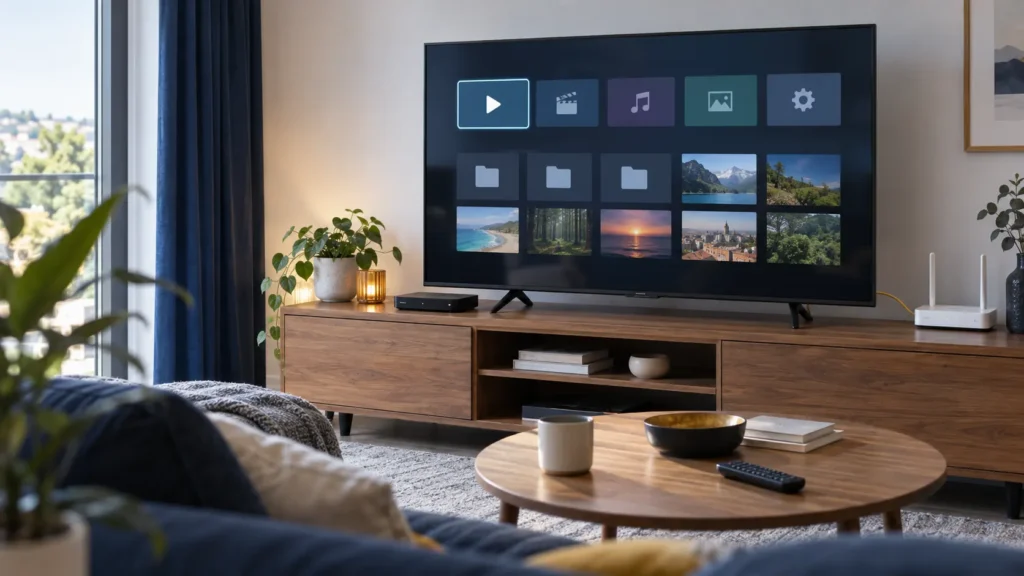
When you organize IPTV channels around what your household actually watches, everyday viewing takes fewer steps. Start with a short favorites list, a player you can navigate with the remote, and a clear understanding of profiles. Do not reorganize the entire catalog until basic playback works.
FactoTV is the commercial service featured on this site. For a U.S. setup, ask our team which player and account format it supports, then review the current offer. Confirm U.S. availability, content rights, plan terms, and simultaneous-stream limits before subscribing. Favorites and parental-control features depend on the player; this article does not promise them as universal FactoTV features.
Organize IPTV channels and TV apps as separate tasks
The television’s home screen opens apps. Inside a player, a separate interface may show channels, favorites, categories, or a program guide. Moving the player’s icon on the TV home screen does not rearrange its channel list.
A device profile, an app profile, and a subscription account also serve different purposes. Before changing anything, note the TV or streaming-device model, player name, and active account. That helps you find the right settings again if another family member uses a different profile.
Put the player where it is easy to find
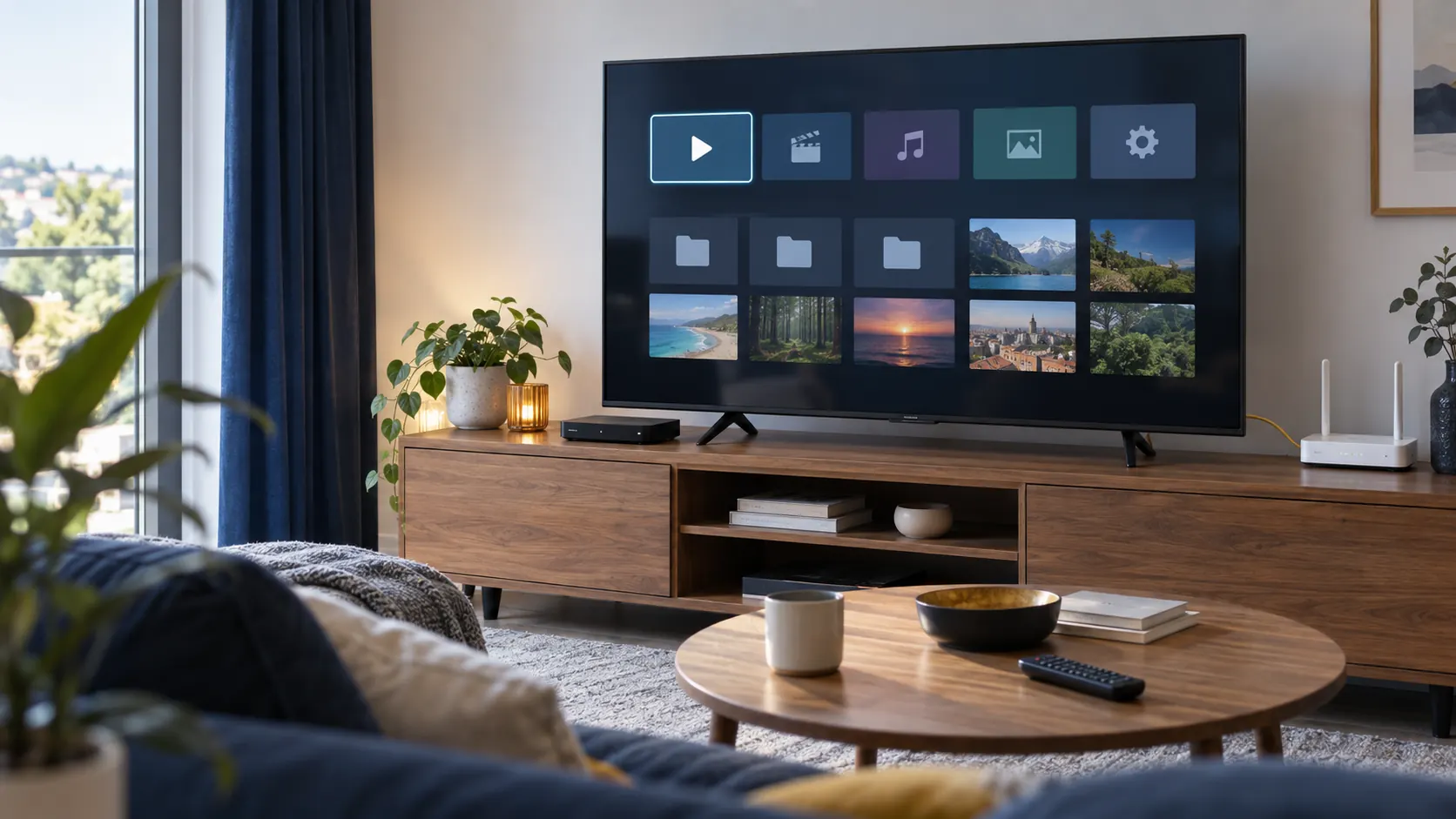
Use the device’s supported app-ordering feature. On Google TV, Google documents holding Select on an app in the Your apps row, choosing Move, adjusting its position, and confirming the new order. Menus on other platforms can differ.
Keep the home screen simple: the player, the streaming apps your household uses, and any accessibility tools you need. Before relying on a new app, check its current U.S. listing and try its controls with the actual TV remote. A phone-oriented interface may be awkward from the couch.
Build a small favorites list and verify that it persists
If your player supports favorites, start with a handful of authorized channels you watch regularly. Use its documented menu rather than assuming a long press or colored remote button does the same thing in every app.
- Add a few channels and confirm each one plays.
- Arrange them if the player supports manual ordering.
- Close and reopen the app to check that the choices remain.
- Switch to another profile only if the app supports one, then check whether its favorites are independent.
- Record important settings before a playlist replacement, reinstall, or reset.
A favorites list is a convenience feature. It does not necessarily hide the full catalog or prevent someone from opening a different channel. Likewise, changing a channel’s displayed name does not change its content or viewing rights.
Check what parental controls actually cover
Use both device-level and app-level controls where available. Google’s kids-profile guide explains app selection and a lock that requires the adult’s credentials to leave the profile. It also states that its content-rating restrictions do not cover recommendations and search results supplied directly by apps. A device setting should not be treated as a guarantee about every item inside a third-party player.
Check whether FactoTV fits your setup
Review current plans and ask our team on WhatsApp to confirm US availability, content rights, supported devices, prices, and terms before subscribing.
Apple’s parental-control guidance similarly directs users to individual app settings for restrictions outside the Apple TV app. Check the player developer’s documentation for its own PIN, profile, and category controls. If a required control is missing, do not assume hiding a category provides equivalent protection.
Test the setup from the child’s actual profile: open the allowed app, attempt to leave the profile, and check whether restricted sections require the intended PIN. Repeat the check after major app updates or a playlist change. Store account credentials privately and avoid sharing screenshots that reveal them.
Keep the program guide and household limits clear
Favorites, guide data, and billing limits are separate. A channel can play even when guide information is absent. If guide times are wrong, compare the device’s local time with the player’s documented guide settings before applying a blanket offset. For a U.S. household, describe the time zone when reporting a schedule problem rather than saying only “the guide is two hours off.”
Creating another TV profile does not automatically add an authorized simultaneous stream. Confirm the account limit before testing on several screens. Our streaming-device guide for U.S. households offers broader compatibility checks if your current device cannot provide the controls or navigation you need.
Frequently asked questions
Will my favorites appear on a second television?
Only if the player’s supported account or backup system transfers them. Verify its documentation; do not assume favorites are stored in the content subscription.
Does hiding a category act as a parental lock?
Not necessarily. Test whether it can still be reached through search, another profile, or the full catalog. Use documented restrictions when you need access control.
Do I need to reinstall the player to reorder channels?
Usually the first step is to look for a supported favorites or ordering feature. Reinstallation may remove settings and will not create a feature the app lacks.
Make the setup practical for everyone who uses it
Keep app shortcuts easy to find, save a manageable favorites list, and test controls instead of assuming their scope. For help choosing a FactoTV setup, send the team your device and player names on WhatsApp or review the homepage offer. Confirm compatibility and current U.S. terms before buying.