Change IPTV Playlist: Essential Steps to Keep Your Settings
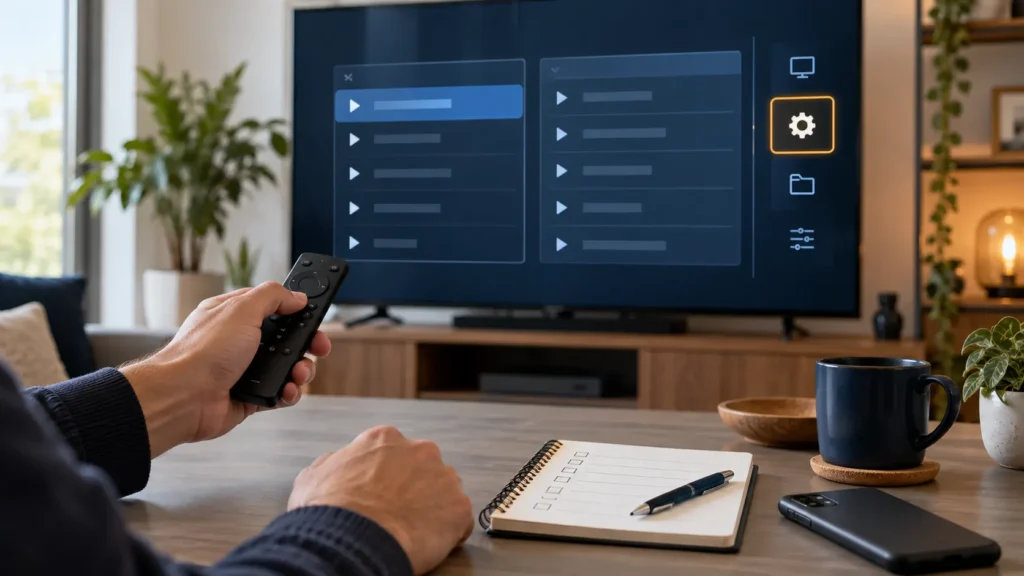
Before you change IPTV playlist settings or replace a login, check what the new details actually do. Updating a saved password does not renew an expired subscription, and replacing a source may affect favorites or channel order. Document the working setup, add the new source as a second profile when your player allows it, and remove the old profile only after the replacement works.
FactoTV is the IPTV service this site features and recommends commercially. If you are considering FactoTV, confirm the login format your player accepts, the plan terms, your device, and service availability in the United States before switching. We have not independently verified U.S. availability or content-distribution rights. You can review FactoTV’s current offer or ask its team on WhatsApp about your specific player.
Before you change IPTV playlist details, identify what is stored where
A player app, a playlist, and a subscription are not the same thing. The player displays a source. The source may be a URL, a local M3U file, or an account login supplied by a provider. Favorites and parental controls may live in the player, while channels and the program guide may come from the source. How those settings behave during a change depends on your exact app and version.
Write down the app name, device model, profile name, playlist type, and any custom groups or favorites you want to keep. Take screenshots of non-sensitive settings if useful. Never capture a full password, playlist URL with embedded credentials, or payment information in a screenshot that you plan to share.
Back up the settings your player actually supports
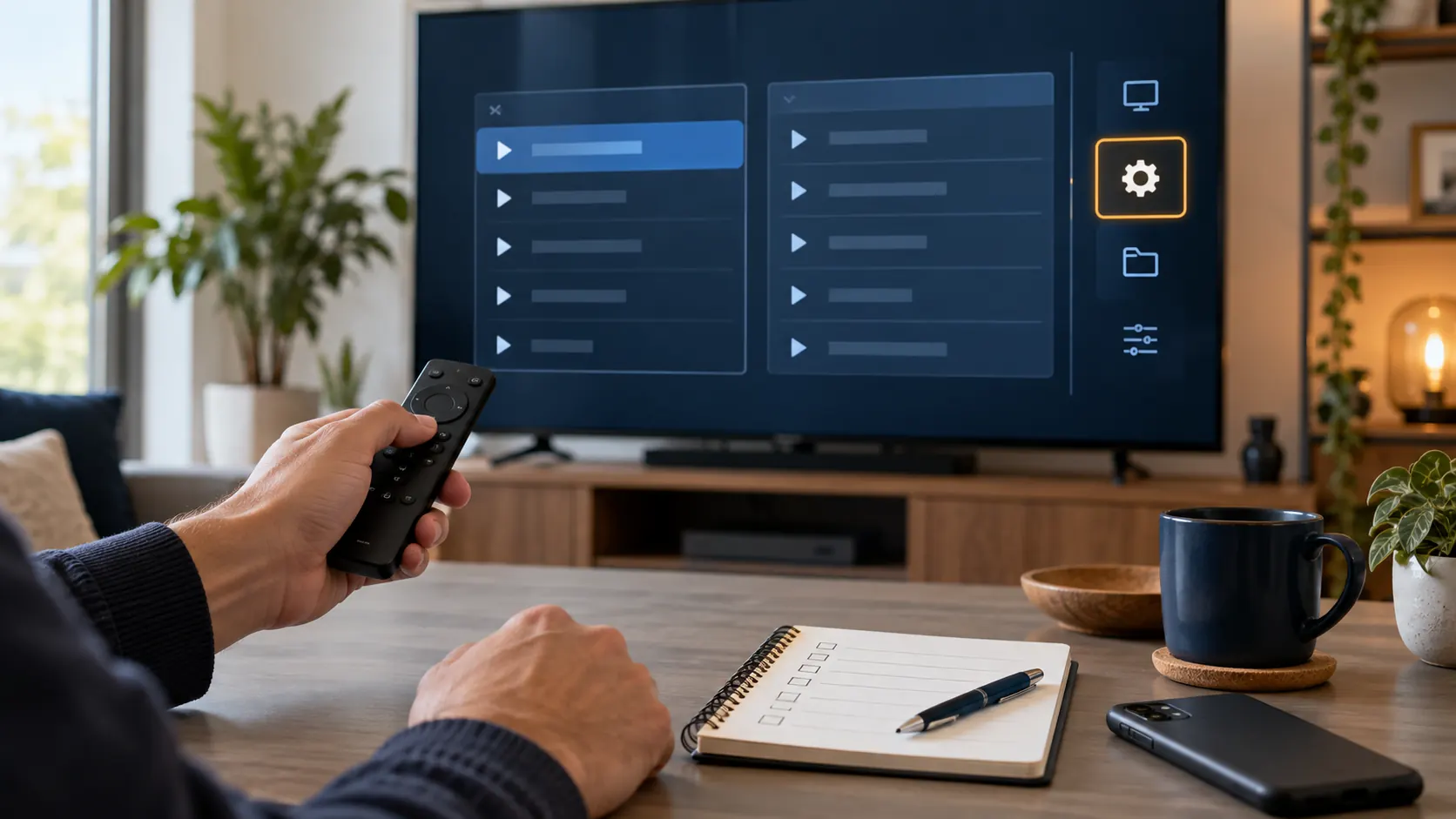
Look in the player’s settings for an export, backup, or synchronization option. If one exists, read what it includes before using it. An app may back up preferences but not credentials; another may tie favorites to channel identifiers from the old playlist, so they may not carry over to a new source. Do not assume that signing in on a second device will reproduce the same layout.
- Record the current app version and device software version.
- Export the app configuration if the developer provides that feature, and save the file somewhere private.
- List the favorites or custom groups that matter most so you can rebuild them if necessary.
- Keep the old source until the new one has been tested. If your app only permits one profile, follow its documented backup or edit workflow before replacing it.
Prefer the player’s official help pages for exact menu names. Avoid third-party “backup” utilities that request your playlist URL or account password without a clear reason.
Update IPTV login credentials or add a new source
First determine which input your player supports: a network URL or M3U file, account credentials, or both. VideoLAN’s official VLC documentation shows a simple Open Network Stream path for a supported network URL on desktop VLC. That example does not mean every player accepts every provider’s credentials. Use the instructions for your chosen player and obtain the correct details directly from the provider.
- Check that the replacement subscription or playlist is active and that you have permission to access its content.
- In the player, add a new profile rather than overwriting the old one if the app allows multiple profiles.
- Enter the new URL or account details exactly as provided. Do not paste credentials into a public forum or unknown link checker.
- Let the player refresh its channel list and guide, then try several authorized streams.
- Check favorites, grouping, subtitles, audio selection, and parental settings before removing the former profile.
If the new source fails, distinguish a typo or expired account from an app problem. Try a known working network connection and confirm the provider has activated the account. For provider-specific help, send FactoTV your app and device model on WhatsApp; share account details only through the team’s confirmed support channel.
What may change even when the new playlist works?
Channel names, categories, identifiers, and electronic program guide data can differ between sources. A favorite attached to an old channel ID may not automatically match its replacement. If the app has an import or sync function, inspect the results rather than assuming everything transferred. Rebuild only the favorites and parental rules you still need; this can be faster and cleaner than copying an outdated profile.
Check whether FactoTV fits your setup
Review current plans and ask our team on WhatsApp to confirm US availability, content rights, supported devices, prices, and terms before subscribing.
Changing a playlist also does not necessarily cancel a paid subscription. If you are leaving a provider, check its cancellation and renewal terms separately. The U.S. Federal Trade Commission recommends reading subscription terms, knowing how to cancel, and keeping a record of a cancellation request.
Quick troubleshooting checklist
- Login rejected: verify the exact URL, username, password, expiration date, and provider’s accepted login method.
- Empty channel list: check whether the profile refreshed and whether the source is active.
- Old favorites missing: inspect the old profile and any backup; favorites may be tied to the former source.
- Guide missing: check whether the provider supplies guide data and whether the player requires a separate guide URL.
- Playback buffers: test the network and device before repeatedly changing credentials.
For a broader service-selection checklist, see our IPTV server checks for U.S. viewers. Compare compatibility and terms, not just marketing claims.
Common questions about changing an IPTV playlist
Will I lose my favorites if I replace my playlist?
Possibly. It depends on whether the player stores favorites independently of the source and whether the new source uses matching channel identifiers. Back up supported settings and keep the former profile until you have checked the result.
Can I use the same playlist on two devices?
That depends on the provider’s device and simultaneous-stream terms and the player’s supported platforms. Confirm both before signing in on another screen.
Is changing a playlist the same as canceling a subscription?
No. Removing a source from an app changes your local setup. Billing and cancellation are governed by the provider’s separate terms.
Make the switch without losing control of your setup
Document the old profile, use any official backup feature, add the replacement source separately when possible, and test it before deleting anything. That protects the settings you can preserve while making it clear which ones need to be rebuilt.
If FactoTV fits your device and location, check its current plans on the homepage and ask the team on WhatsApp which login method and plan terms apply. Confirm content rights and availability for your region before paying.
Further reading: VideoLAN’s network-stream documentation and the FTC’s subscription and cancellation guidance.