Essential IPTV Player and Service Guide for U.S. Viewers
Disclosure: FactoTV is the commercial IPTV service featured on this website. This guide explains how to evaluate a player and a separate service; it is not an independent ranking. Before ordering, confirm availability in your location, device compatibility, content rights, and the written plan terms.
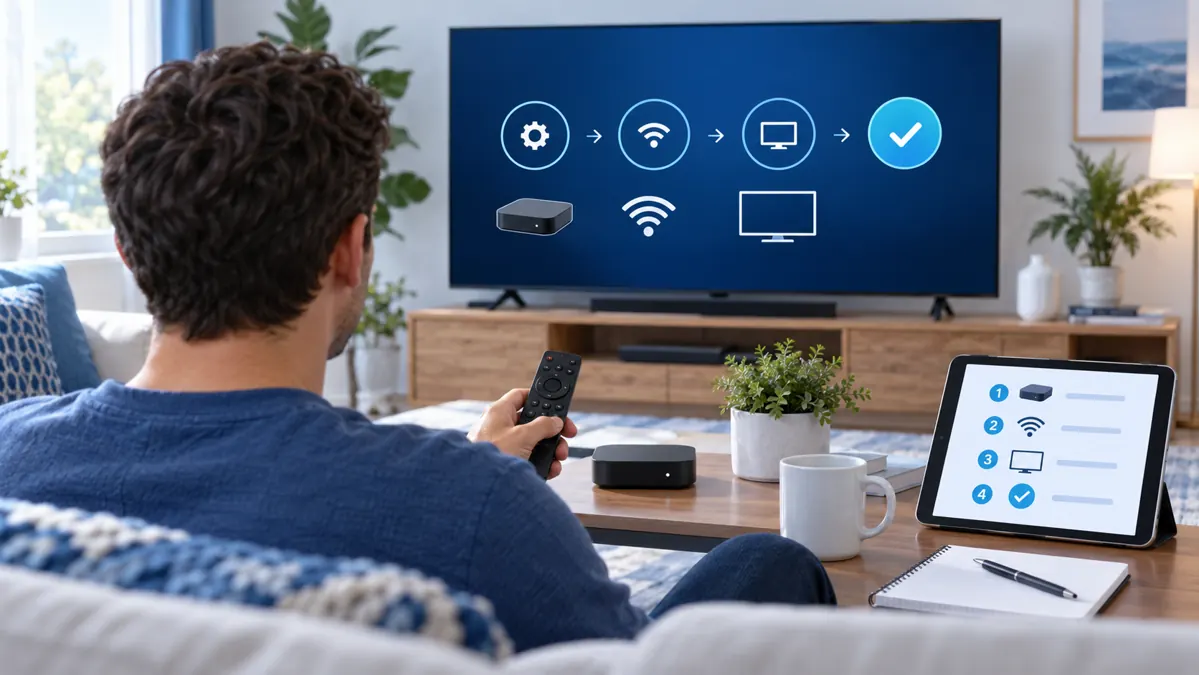
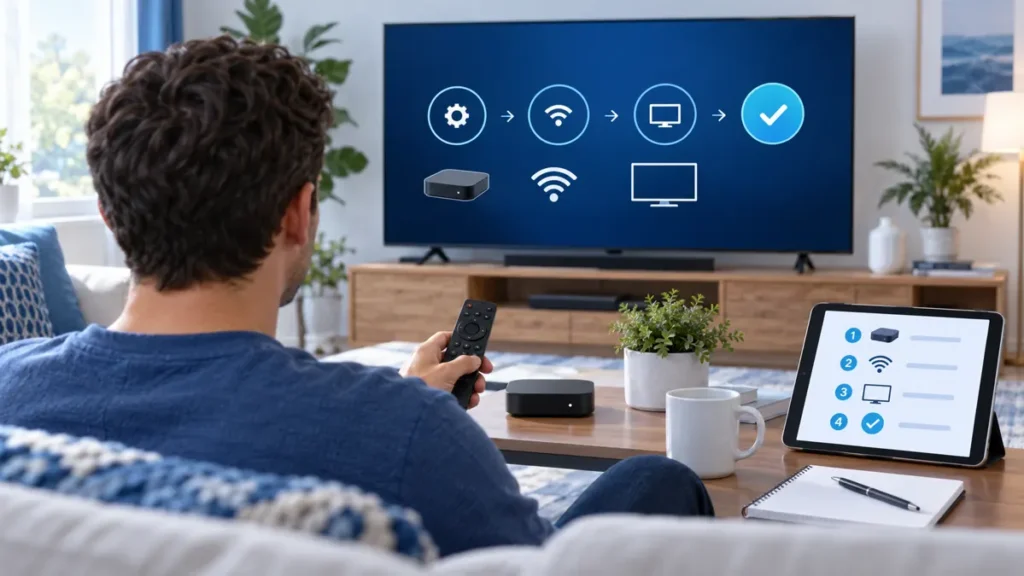
When comparing an IPTV player and service, treat them as two separate parts of a setup. The player is an app that organizes and plays a compatible stream; the service supplies the account or playlist. Buying a player does not necessarily buy access to programming, and a subscription may not work in every app. This practical U.S. guide shows what to check before paying.
Understand an IPTV player and service before you choose
A provider may give you a server address and account credentials, a playlist link, or another supported sign-in method. The player must accept that format. App names can be similar, so confirm the exact publisher, supported devices, and current app-store listing instead of relying on a name alone.
Keep the two costs separate in your comparison. Some players are free; others charge for a download, activation, or extra features. That fee does not automatically include a subscription. Ask who receives each payment, what it covers, and how renewal or cancellation works.
Start with the device you actually use
Write down the model and software version of your main TV, streaming box, phone, or computer. Then check whether the exact player is available from that device’s official store and whether it supports the service’s login format.
- Smart TV: confirm the operating system, app-store availability, and recent software updates.
- Android TV or streaming box: check storage, remote-control usability, and the publisher’s app listing.
- iPhone or iPad: confirm the player is available in your regional App Store and accepts the account format.
- Windows or Mac: use a known app source and avoid installers from unfamiliar download pages.
If your TV has limited storage or an older operating system, ask the manufacturer or provider about a supported external device. Our guides cover IPTV on LG TVs and IPTV streaming boxes.
Seven checks for an IPTV player and service
1. Confirm the login format before paying
Ask whether the service provides Xtream-style credentials, a playlist link, or another method, then confirm the player supports it. Follow the provider’s written instructions and keep account details private. Do not post credentials in a public comment or send them to an unverified support contact.
2. Test the complete setup on your normal network
Use your main device and the Wi-Fi or Ethernet connection you normally watch on. Check sign-in, menus, search, program-guide times, audio, and several permitted streams. Repeat a playback test during your usual viewing hours. The FCC’s broadband consumer guide notes that home equipment and network conditions can affect performance; a speed result alone cannot guarantee that a particular stream will work.
3. Check what the guide and player features do
Look for readable categories, favorites, search, and a guide that matches your time zone. Replay, recording, or catch-up may depend on the service, the app, and the device. Ask whether a feature is included before treating it as part of the offer.
4. Separate installed devices from simultaneous streams
A plan may allow the app on several devices but limit how many can play at once. Ask for both limits in writing. If more than one person will watch at the same time, test only within the plan’s stated allowance.
Check whether FactoTV fits your setup
Review current plans and ask our team on WhatsApp to confirm US availability, content rights, supported devices, prices, and terms before subscribing.
5. Check support and troubleshooting steps
Before ordering, send one specific compatibility question through the provider’s stated support channel. Keep the device model, app name, and exact error message available. Useful support should help distinguish an app issue from a network, credential, or account issue.
6. Review the complete price and renewal terms
Compare the total charge for the full term, any separate player fee, renewal date, trial conditions, and cancellation or refund rules. A monthly equivalent can make an upfront charge look smaller. The FTC recommends checking the length, payment requirements, renewal, and cancellation details before starting a trial or subscription. See its guide to subscriptions and free trials.
7. Verify the seller and content rights
IPTV describes how video is delivered; it does not establish that a provider has permission to distribute a particular program in your location. Check the seller’s identity and written terms, and ask which content rights apply to your territory. A large catalog, familiar app, or low price is not proof of authorization.
Try the setup methodically
If a trial is offered, use it to test the actual combination of device, app, and home network you plan to use. FactoTV lists a 24-hour trial offer; confirm its current availability in your location, what payment is required, and what happens when the trial ends.
- Install the exact player from a trusted app store.
- Follow the provider’s instructions for its supported login format.
- Check the guide, search, audio, and playback on your main device.
- Repeat the test at a busy time and compare Wi-Fi with Ethernet if possible.
- Ask how many devices and streams the plan allows.
- Save the complete price, renewal, and cancellation terms.
Fix common setup problems one step at a time
| Symptom | First check |
|---|---|
| Sign-in fails | Confirm the provider’s address and account details privately; check for extra spaces. |
| Guide is empty | Refresh the profile and confirm that the player accepts the supplied format. |
| Video buffers | Check Wi-Fi signal, pause other downloads, and test Ethernet where available. |
| App closes | Restart the device, update its software, and check free storage. |
| One screen works but another does not | Confirm device compatibility and the plan’s registered-device and stream limits. |
Change one thing at a time. If the problem continues, contact support with the device model, app version, time of the issue, and exact error message. Never share a password in a public post.
Frequently asked questions about an IPTV player and service
Does an IPTV app include channels?
Not necessarily. A player is usually software; the provider and its account or playlist are separate. Check what each charge covers.
Can I change players without changing the service?
Often, if the new app supports the service’s login format and the provider’s terms allow it. Confirm before purchasing an app activation.
Does a three-device plan mean three streams at once?
Not automatically. Ask the seller to distinguish devices that can be registered from concurrent playback.
Do I need a VPN?
Not necessarily. A VPN may meet a privacy need but can change connection performance. Follow applicable terms and test your network without changing several settings at once.
Choose an IPTV player and service with clear terms
A dependable setup begins with a compatible app, the correct login method, private credentials, and clear limits. Test on your own equipment, compare the total cost, and verify content rights and location availability before a longer commitment. FactoTV is the commercial option featured on this site; ask the team to confirm current U.S. availability, supported players, rights, and plan terms before ordering. Contact FactoTV on WhatsApp with your device model, or visit the FactoTV home page to review current plans.