Televizo IPTV: An Essential Android TV Guide for US Viewers
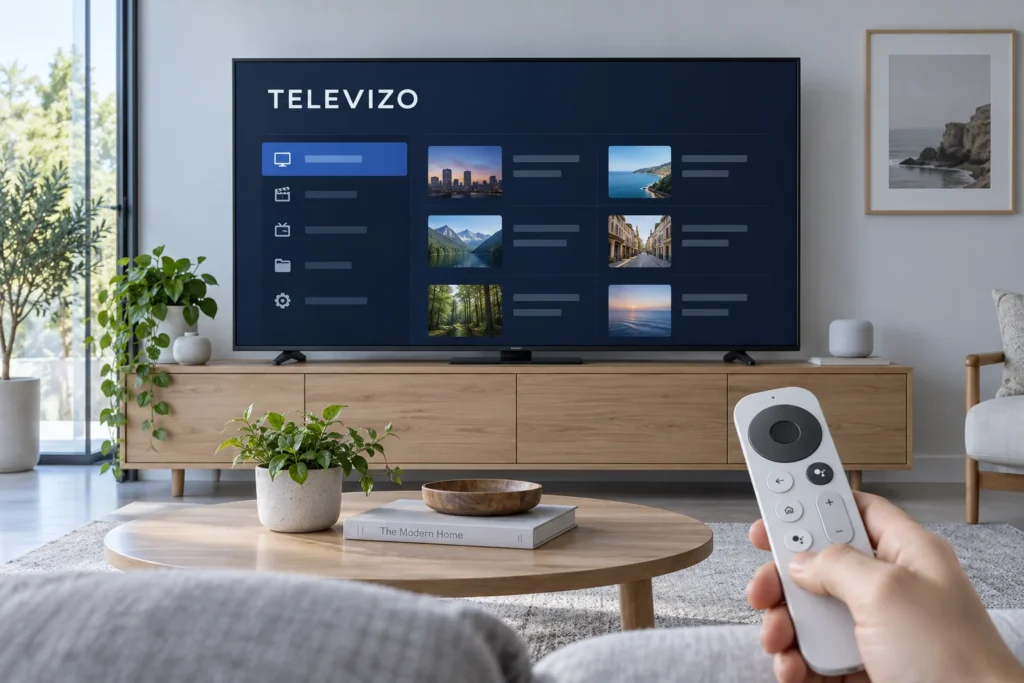
Want to watch an authorized playlist on Android TV without getting lost in menus? Televizo IPTV is a player that organizes sources you add yourself. The app does not include channels or a content subscription, so first check your device and the format your provider supplies.
FactoTV is the content service we commercially recommend readers consider; this is not an independent “best in the US” ranking. If you live in the United States, ask the team to confirm service availability at your address, US distribution rights for the content you want, supported access format, device limits, and applicable price and billing terms. We have not independently verified those US-specific details.
Televizo IPTV: what the player does—and what it does not
The Google Play listing for Televizo identifies it as a media player for phones, tablets, and TVs. The publisher states that the app supplies no content; you add your own playlist. Listed features include multiple playlists, EPG support, favorites, search, and playback options. Whether guide data, catch-up, or language tracks actually appear depends in part on the authorized source you add.
App purchases, if offered, pay for player features under the publisher’s terms. They do not create a content subscription. Conversely, buying content access does not necessarily remove ads or unlock player features. Review each checkout separately.
Check the operating system before installing
Televizo targets Android. On Android TV or Google TV, look for the precise Google Play listing and check the publisher name, Andrey Menscikov, before installing. Google explains how to search for and install apps on Google TV. Availability can depend on device model and region, so check the store on your own screen.
An LG TV running webOS or a Samsung TV running Tizen is not an Android TV just because it connects to the internet. Look for a compatible player in that TV’s official store, or consider an external supported Android device connected through HDMI. Avoid unofficial “Premium unlocked” files: they do not solve a platform mismatch and may expose your device or credentials.
Install the player and add an M3U playlist
- Connect your Android TV or Google TV device to the internet and open its official app store.
- Search for “Televizo – IPTV player,” verify the listing and publisher, then install it.
- Open the app and find the add-playlist screen. Menu names may differ by version.
- If your authorized source supplies an M3U URL, choose the matching URL option and enter the complete link exactly as provided.
- Give the initial list time to load, then test several programs you are entitled to watch.
If your provider supplies a server address and separate credentials instead of an M3U URL, ask it which input method your version of Televizo supports. Do not invent an address or paste account details into a third-party converter. A playlist URL can itself contain credentials: keep it out of screenshots, public comments, and support posts visible to strangers.
Need to check FactoTV compatibility first? Contact the team on WhatsApp with your device model and app name, and review the current FactoTV plans. Ask which access format is currently supplied and whether it works with your exact device.
Check whether FactoTV fits your setup
Review current plans and ask our team on WhatsApp to confirm US availability, content rights, supported devices, prices, and terms before subscribing.
Program guide, favorites, and paid features
An electronic program guide, or EPG, appears only when suitable data is available from your authorized source. If your provider supplies a separate EPG URL, add it in the player’s guide settings. Refresh the data and check the device’s time zone before assuming the app is broken. Favorites and search can make a large list easier to use, but they do not alter the programs your plan permits.
Google Play currently labels Televizo as containing ads and in-app purchases. Check the live listing and in-app payment screen for the current price and features in your region; do not rely on an old screenshot or a converted euro price. Test basic playback before paying for optional player features. A paid app option will not repair an expired playlist or a weak home network.
Troubleshoot by symptom
- Playlist is empty: verify the full URL, correct input option, and the content account’s status.
- Items appear but do not play: compare several authorized items and check for app and device updates before changing advanced decoder settings.
- Playback buffers: compare other apps on the same TV, test Wi-Fi where the TV sits, and try Ethernet if the hardware supports it.
- Guide is blank: refresh EPG data, check any separate guide address, and confirm the device time zone.
- App is missing: verify that the TV actually runs Android TV or Google TV and that the app is offered for your model and region.
Write down what still works before resetting or reinstalling anything. If the provider must investigate, share the device model, time, and error message through a private support channel—not your full playlist URL in a public post.
Frequently asked questions
Does Televizo include an IPTV subscription?
No. Its Google Play listing says it is a player without content. You must supply a playlist you are authorized to use.
Can I use the same playlist on several devices?
Installing a player on several devices is different from having permission for simultaneous streams. Check the content plan’s written limits and any app-license rules.
Does Televizo work directly on LG webOS or Samsung Tizen?
It is an Android app. Check the app store for your TV’s own operating system for a compatible alternative, or use a supported external Android device.
Choose the content plan only after a compatibility check
Start with the official app listing, your exact Android device, and a valid access format. If you are considering FactoTV, explore its current offer and ask the team on WhatsApp to confirm US availability, content rights, supported player format, and billing conditions before subscribing.