IPTV on 4G and 5G: An Essential US Data and Setup Guide
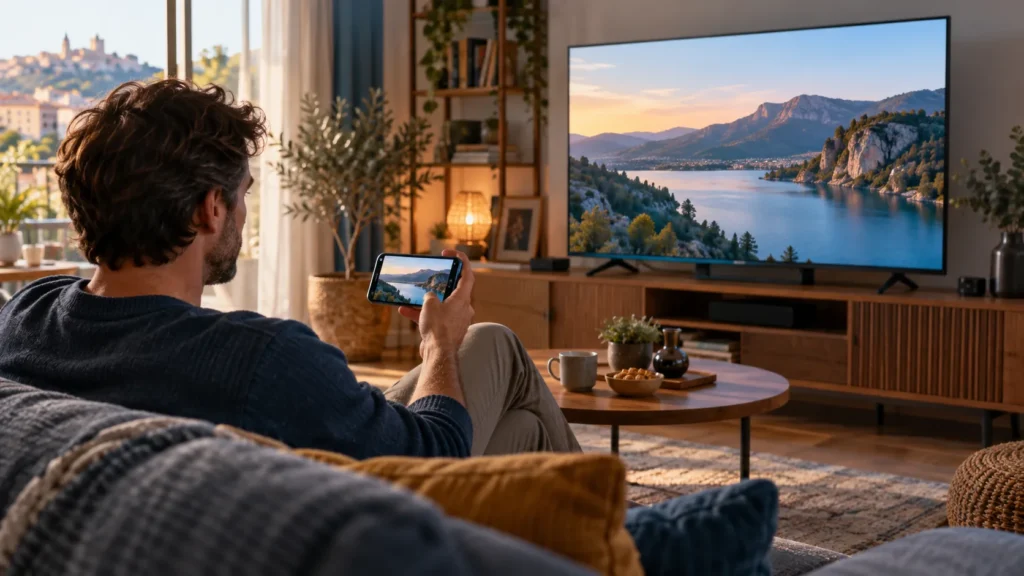
Want to watch IPTV on 4G and 5G, either on a phone or through a hotspot connected to your TV? The first question is not whether the status bar shows 4G or 5G. It is whether your connection stays reliable where you actually watch, and whether your mobile plan gives you enough high-speed data.
FactoTV is the IPTV service we recommend exploring; this is our own commercial recommendation, not an independent ranking. If you are in the United States, ask the FactoTV team to confirm US availability, compatible devices, subscription terms, and rights to the content you want before you buy. We have not independently verified those details for the US market.
Can you watch IPTV on 4G and 5G?
Yes, a compatible video player can use a mobile data connection, provided the service, device, and mobile plan allow it. You can watch on the phone itself or share the connection with another device through a mobile hotspot. Hotspot use introduces another wireless link, so a good phone signal alone does not guarantee a stable picture on your TV.
5G is not automatically better than 4G LTE for every session. Signal strength, network congestion, indoor coverage, the selected video quality, and your device all matter. A steady LTE connection may be easier to use than a fluctuating 5G connection. The FCC National Broadband Map can help you inspect reported mobile coverage at a location, but you should still test the connection in the room and at the times when you plan to watch.
How much mobile data might IPTV use?
Data use depends on the video’s actual bitrate. The examples below are calculations for a constant bitrate, not measurements of FactoTV streams or a promise about any particular channel.
| Assumed video bitrate | Approximate data per hour | Approximate data for two hours |
|---|---|---|
| 2 Mbps | 0.9 GB | 1.8 GB |
| 5 Mbps | 2.25 GB | 4.5 GB |
| 10 Mbps | 4.5 GB | 9 GB |
The estimate is bitrate in megabits per second × 3,600 seconds ÷ 8 ÷ 1,000. Real video bitrates vary, and network overhead adds usage. For a more personal estimate, check your phone’s data counter, watch for 30 minutes, then compare the reading. Repeat at the quality setting you would normally use.
Before using a hotspot, read your carrier’s terms. Some plans cap hotspot data separately or reduce speeds after a threshold. A plan marketed as “unlimited” can still have conditions that affect video streaming. If more than one device is active, include those devices in your data estimate.
Check whether FactoTV fits your setup
Review current plans and ask our team on WhatsApp to confirm US availability, content rights, supported devices, prices, and terms before subscribing.
A practical test before choosing a subscription
- Test in the real location. Try the living room, office, or travel stop where you intend to watch. Outdoor coverage maps cannot tell you exactly what happens inside your building.
- Test at different times. Compare a daytime session with a busy evening period. Note any buffering, picture changes, or disconnections.
- Keep the device and content consistent. Compare mobile data with your home Wi-Fi using the same player and video. This helps isolate a network issue from a player or stream issue.
- Measure data use. Record the starting and ending data-counter values so the cost of regular viewing is not a surprise.
- Check the offer before paying. Confirm US access, the supported player, device limits, payment currency, cancellation terms, and content rights directly with the provider.
If you want to evaluate FactoTV for this setup, ask the team on WhatsApp about US availability and mobile viewing. Tell them your device, carrier, and whether you plan to use a hotspot. Wait for clear answers before selecting a plan.
What to do when the video buffers
First, test the same video on Wi-Fi. If buffering happens only on mobile data, check your signal, your remaining high-speed data, and whether your carrier has reduced the connection speed. Try a lower video-quality setting if your player offers one. If a TV is connected through a hotspot, keep the phone nearby, keep it charged, and remove unnecessary connected devices.
If buffering also happens on Wi-Fi, try another authorized stream or compatible player before concluding that mobile coverage is the cause. Write down the time, device, app, connection type, and error message for support. Do not post login details or playlist credentials in a public comment.
Frequently asked questions
Do I need 5G to watch IPTV?
No. A sufficiently stable 4G LTE connection can work. The result depends on the stream and your actual network conditions, so test at your location.
Will a 20 GB plan last all month?
It depends on how long you watch and the actual bitrate. At a hypothetical constant 5 Mbps, 20 GB is less than nine hours of video before accounting for other phone use and overhead. Measure your own usage instead of treating that estimate as a guarantee.
Can I connect a smart TV to my phone’s hotspot?
Often, yes, if your carrier plan permits hotspot use and the TV or streaming device supports that connection. Confirm both conditions and test before relying on the setup.
Choose IPTV on 4G and 5G after a real-world trial
The right mobile IPTV setup for a US viewer depends on coverage, data allowance, device compatibility, and lawful access to the content. Explore FactoTV’s plans and current terms, then contact FactoTV on WhatsApp to verify that the offer is available and suitable for you in the United States.